Use in CI
The same world on every pull request.
This page is executed as written by packages/cli/src/journeys/tutorials.test.ts; the recording
is made from the same run.

A world in CI is the world in your repo: .volter/world.json is committed, the twins are in your
lockfile, and the job runs the same commands you run locally.
The app
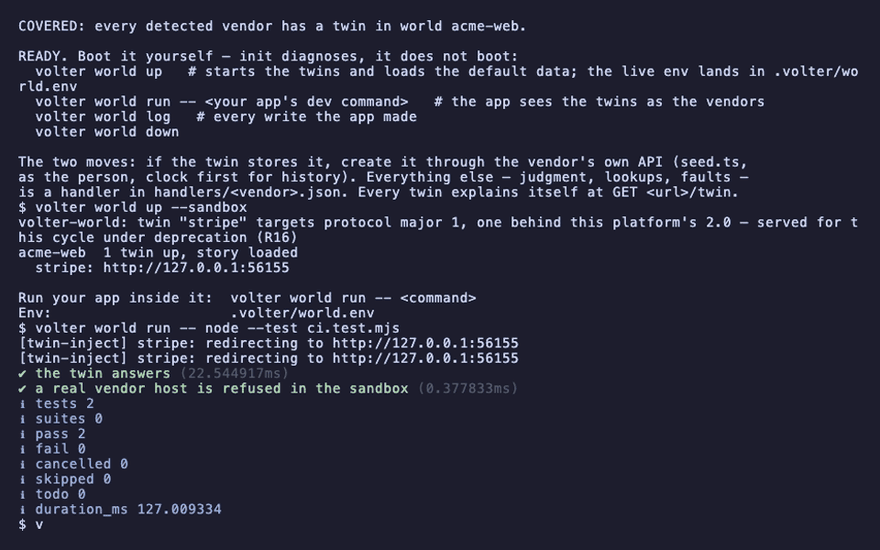
An app that talks to Stripe, with a test suite on Node's own runner. The second test is the one CI exists for: it proves that a call which would have reached a real vendor cannot.
{ "name": "acme-web", "private": true, "dependencies": { "stripe": "^17" } }
STRIPE_SECRET_KEY=
import { test } from 'node:test';
import assert from 'node:assert/strict';
import Stripe from 'stripe';

test('the twin answers', async () => {
  const stripe = new Stripe(process.env.STRIPE_SECRET_KEY);
  const customers = await stripe.customers.list({ limit: 1 });
  assert.equal(customers.object, 'list');
});

test('a real vendor host is refused in the sandbox', async () => {
  await assert.rejects(fetch('https://api.example.com/v1/anything'));
});
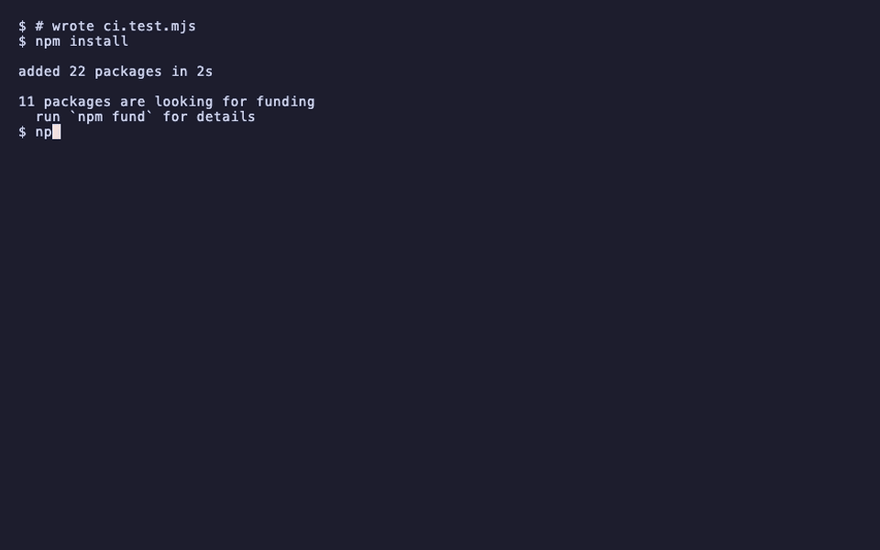
npm install
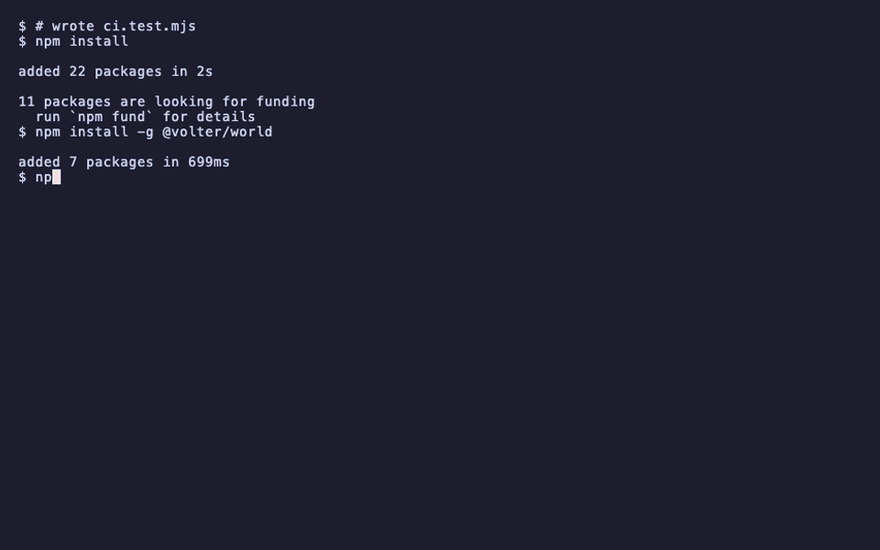
npm install -g @volter/world
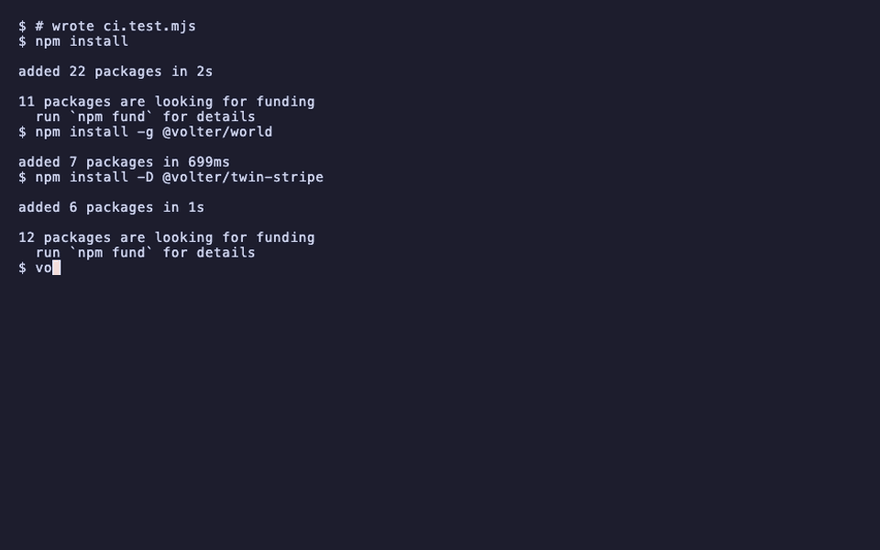
npm install -D @volter/twin-stripe
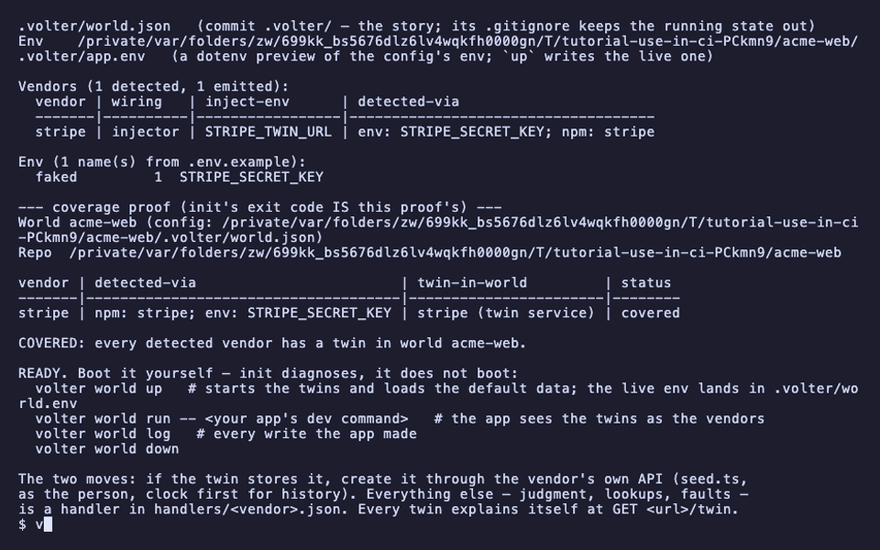
volter world init
The job
On GitHub, the Volter World action brings the World up, runs the job's command inside it and takes it down:
jobs:
  test:
    runs-on: ubuntu-latest
    steps:
      - uses: actions/checkout@v4
      - uses: actions/setup-node@v4
        with: { node-version: 22 }
      - run: npm install
      - uses: volter-ai/twin/actions/setup-world@main
        with:
          command: node --test --test-reporter=tap ci.test.mjs
The same job, spelled out as the three commands the action runs:
      - run: npx volter world up --sandbox
      - run: npx volter world run -- node --test --test-reporter=tap ci.test.mjs
      - run: npx volter world down
        if: always()
The three commands, as the job runs them:
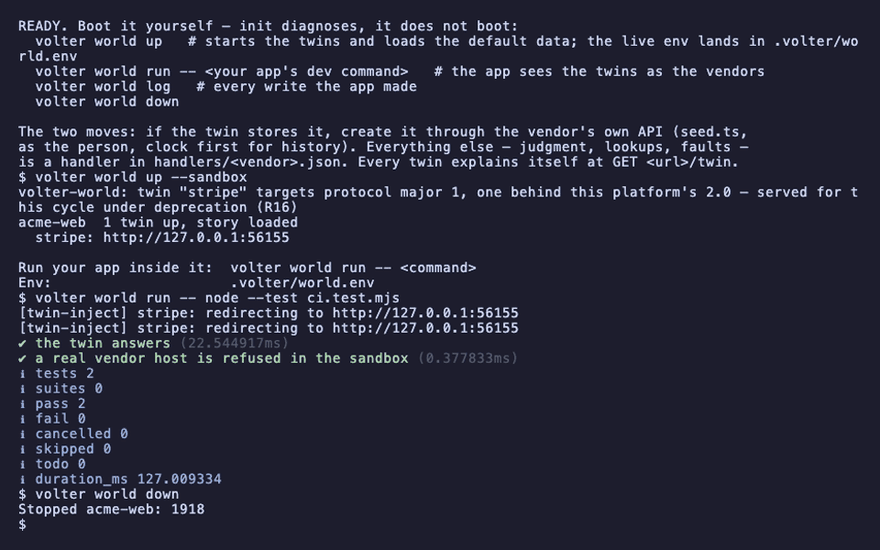
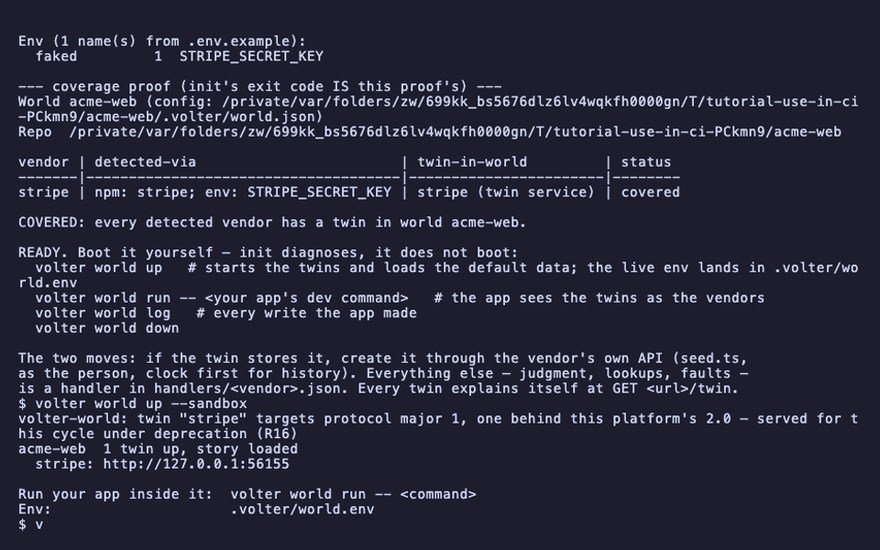
volter world up --sandbox
acme-web 1 twin up, story loaded
up loads the default data, so every run starts from the same state. --sandbox makes the
redirected clients refuse any destination that is not a twin, so a test that would have reached
a real vendor fails in CI instead of succeeding by accident.
volter world run -- node --test --test-reporter=tap ci.test.mjs
# pass 2
# fail 0
volter world down
Stopped acme-web
down in an if: always() step keeps a failed run from leaving twins behind on a self-hosted
runner.
A Node runner (node --test, vitest, jest, playwright test) is governed through
NODE_OPTIONS. Bun ignores NODE_OPTIONS, so a bun test suite adds one dormant line at the top
of its setup file, import '@volter/world-core/attach', which does nothing outside a world.
Sharding
Each shard checks out its own copy of the repo, so each shard has its own world root and its own branch. Nothing is shared and nothing needs a name.
Against real data
A job that should run against the account as it is now clones the remote with a token from the job's secrets:
      - run: bunx volter world clone https://twins.example.com/acme/web --token "$VOLTER_TOKEN"
        env:
          VOLTER_TOKEN: ${{ secrets.VOLTER_READ_TOKEN }}
Use the read token: it opens the remote's history and nothing that writes. A job that pushes needs a token that can, and the remote's deploy policy decides whether an unreviewed changeset is deployed at all.
Reading a failure
The job's volter world log is the same log you read locally. Print it in a failing step:
      - run: bunx volter world log
        if: failure()
A preview World for each pull request
A team that shares a World on a platform can give each pull request its own copy: a branch of the shared World, made when the pull request opens, kept on each push, and removed when it closes. Everyone in the org opens it from the link the action comments on the pull request, signed in as themselves; an app deployed for the pull request points its SDKs at the preview's address.
Make an org token that may write Worlds (the org's Settings, Org tokens, Full access) and keep it
as the repository secret VOLTER_TOKEN. Then:
name: preview
on:
  pull_request:
    types: [opened, synchronize, reopened, closed]
permissions:
  pull-requests: write
jobs:
  preview:
    runs-on: ubuntu-latest
    steps:
      - uses: volter-ai/twin/actions/setup-world@main
        id: world
        with:
          mode: ${{ github.event.action == 'closed' && 'remove-preview' || 'preview' }}
          platform: https://app.volter.ai
          token: ${{ secrets.VOLTER_TOKEN }}
          world: acme/web
      - run: echo "the app for this pull request talks to ${{ steps.world.outputs.preview-base }}"
        if: github.event.action != 'closed'
The preview is named pr-<number>. Asked again on the next push, the action keeps it (replace: true makes a fresh one from the shared World as it is now). It ends on its own after ttl-days
(7 by default, a week at most), so a pull request closed while the job could not run leaves nothing
for long. The preview is made with a key for the org token that asked: revoking that token ends it,
and the preview-token output is a key to the preview, never its own token. The
comment is found by a marker and edited in place, so a pull request has one.
Underneath, the action calls the platform's preview endpoints, which any CI can call with the same token:
      - run: |
          curl -sf -X PUT "$PLATFORM/-/worlds/acme/web/previews/pr-$PR" \
            -H "authorization: Bearer $VOLTER_TOKEN" -H 'content-type: application/json' -d '{"ttlDays":7}'
      # and when it closes
      - run: curl -sf -X DELETE "$PLATFORM/-/worlds/acme/web/previews/pr-$PR" -H "authorization: Bearer $VOLTER_TOKEN"
The answer carries the preview's open link, its base address and its token.
GitLab CI
test:
  image: node:22
  script:
    - npm install
    - npx volter world up --sandbox
    - npx volter world run -- node --test ci.test.mjs
  after_script:
    - npx volter world down

preview:
  image: node:22
  rules:
    - if: $CI_PIPELINE_SOURCE == "merge_request_event"
  script:
    - >
      curl -sf -X PUT "$PLATFORM/-/worlds/acme/web/previews/mr-$CI_MERGE_REQUEST_IID"
      -H "authorization: Bearer $VOLTER_TOKEN" -H 'content-type: application/json' -d '{"ttlDays":7}'
Any other CI
Three commands in the app's folder, the last one whatever happened:
- npx volter world up --sandbox
- npx volter world run -- <your test command>
- npx volter world down   # always
Playback
Each command above, as the recording shows it.
npm install
npm install -g @volter/world
npm install -D @volter/twin-stripe
volter world init
volter world up --sandbox
volter world run -- node --test --test-reporter=tap ci.test.mjs
volter world down