Route a CLI through the world
Make gh, stripe, aws and any other tool hit the twins.
This page is executed as written by packages/cli/src/journeys/tutorials.test.ts; the recording
is made from the same run.

volter world run reaches Node processes through the injector. A vendor's CLI, curl, a Go
binary, a Python script: none of those load a Node preload. For them the world redirects at the
network instead, and the model is a Python virtualenv for your SaaS backends.
The app
{ "name": "acme-web", "private": true, "dependencies": { "stripe": "^17" } }
STRIPE_SECRET_KEY=
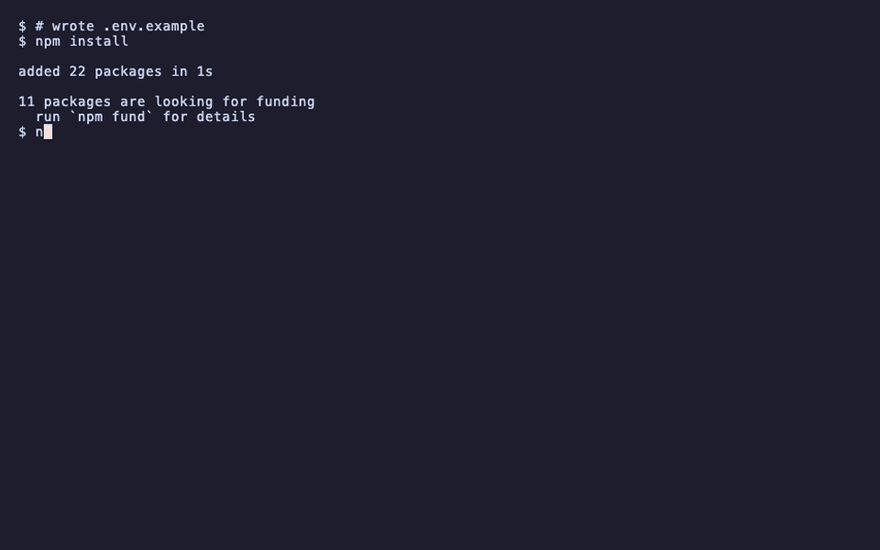
npm install
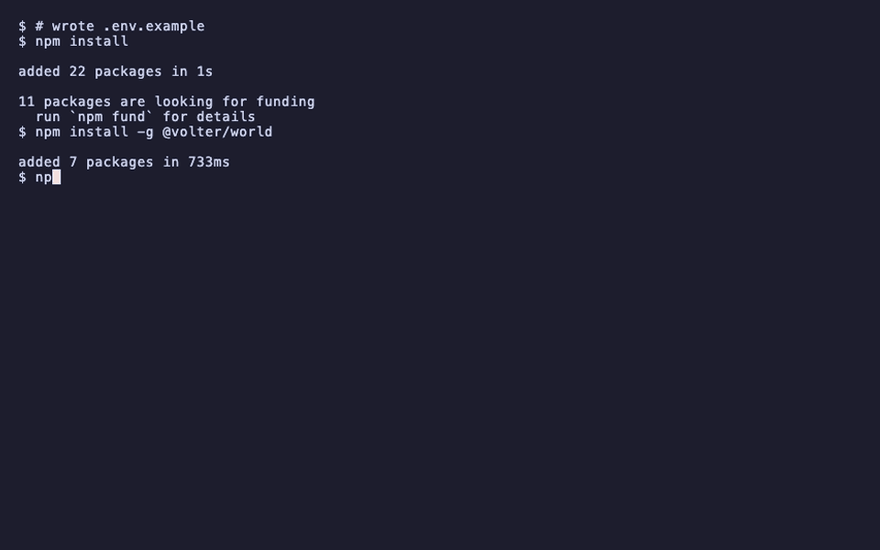
npm install -g @volter/world
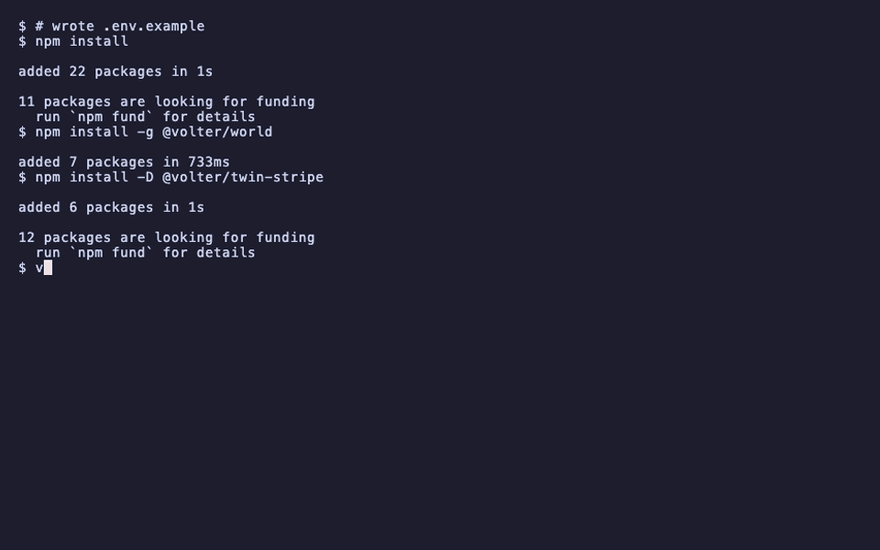
npm install -D @volter/twin-stripe
volter world init
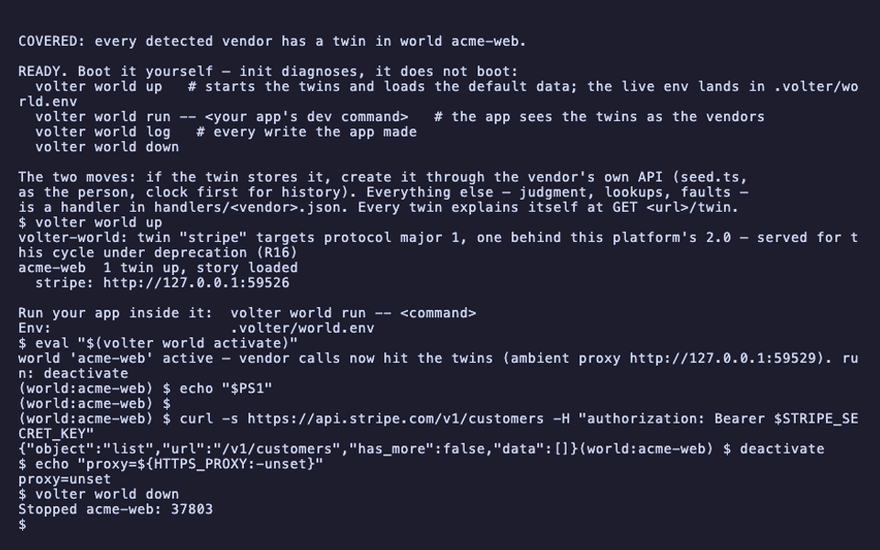
volter world up
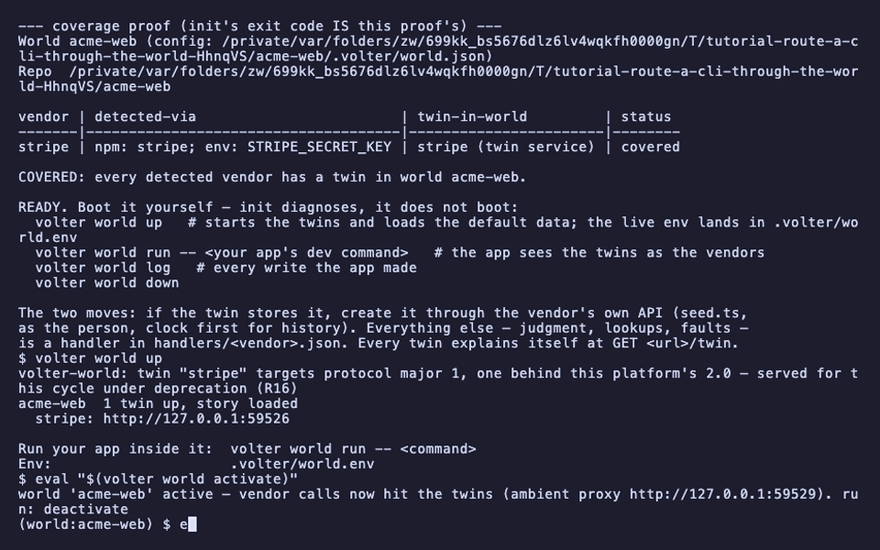
Activate the world in your shell
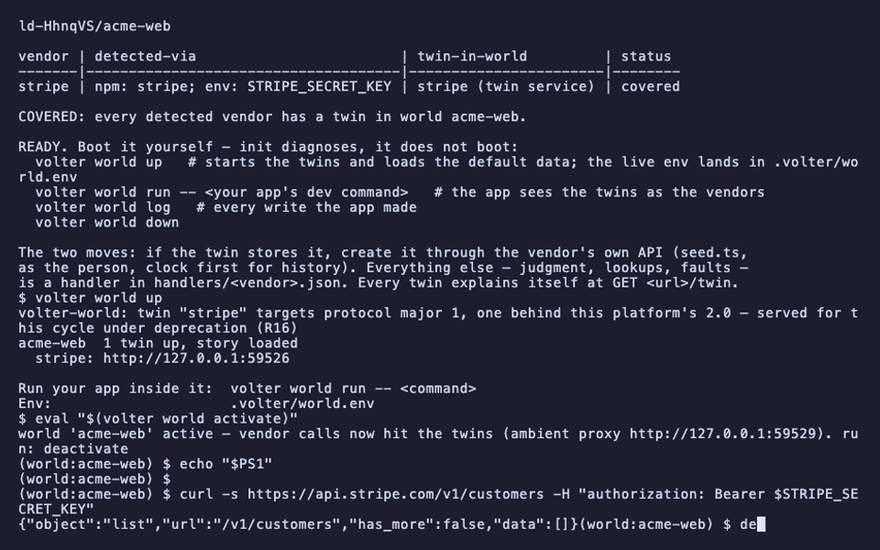
eval "$(volter world activate)"
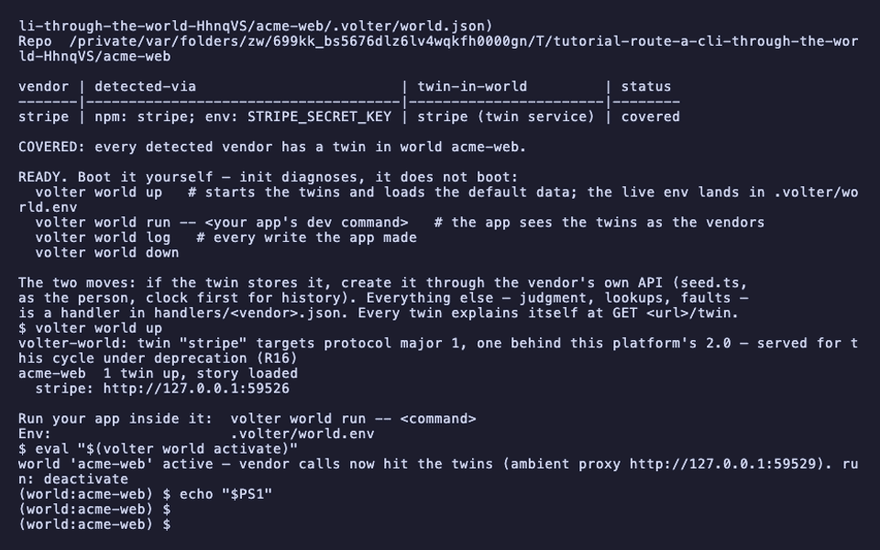
echo "$PS1"
(world:acme-web)
While the world is active, vendor API calls from anything in this shell resolve to the twins.
The prompt marker is not decoration: it is how you know whether the command you are about to run
hits a twin or production. Here is curl, asking Stripe's real hostname for the customer list,
and getting the twin's answer:
curl -s https://api.stripe.com/v1/customers -H "authorization: Bearer $STRIPE_SECRET_KEY"
"object":"list"
volter world shell is the same thing as a subshell, for a terminal that cannot eval.
How it works
Two layers, and you rarely need to know which one caught a call:
- The endpoint the CLI honors. Where a vendor's CLI reads its endpoint from the environment,
activateexports it and the CLI goes straight to the twin:AWS_ENDPOINT_URLforaws,GH_HOSTforgh,OPENAI_BASE_URLforopenai,SENTRY_URLforsentry-cli. Each twin declares the variables its vendor's tools honor. - An ambient proxy. For everything else,
activateexportsHTTPS_PROXYand a CA the shell trusts for this session only. The world runs a proxy that answers the vendor hosts with the twins and passes every other host through untouched.stripe, whose CLI takes an endpoint only as a flag, is caught here, ascurlwas above.
The CA is minted per world under .volter/worlds/<branch>/tls/, trusted only through the env
activate sets, and deleted by volter world down. It never touches the system trust store.
Deactivate
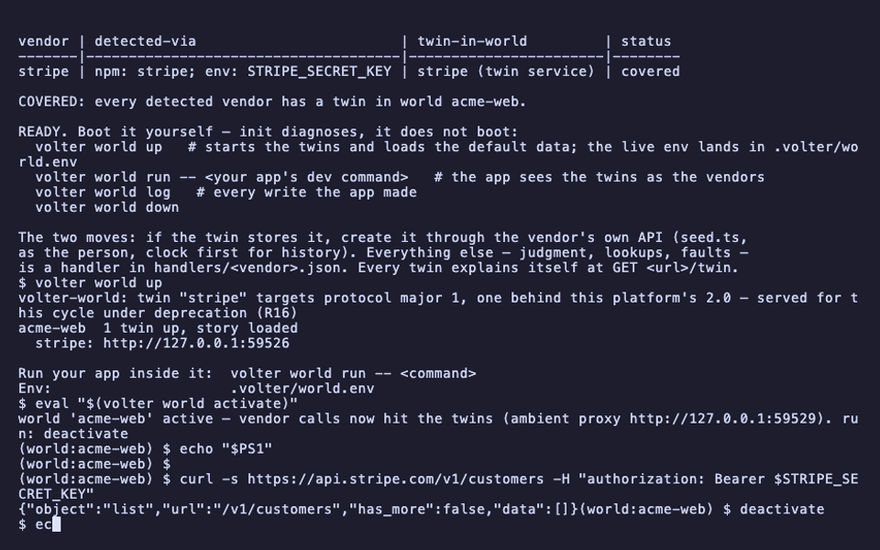
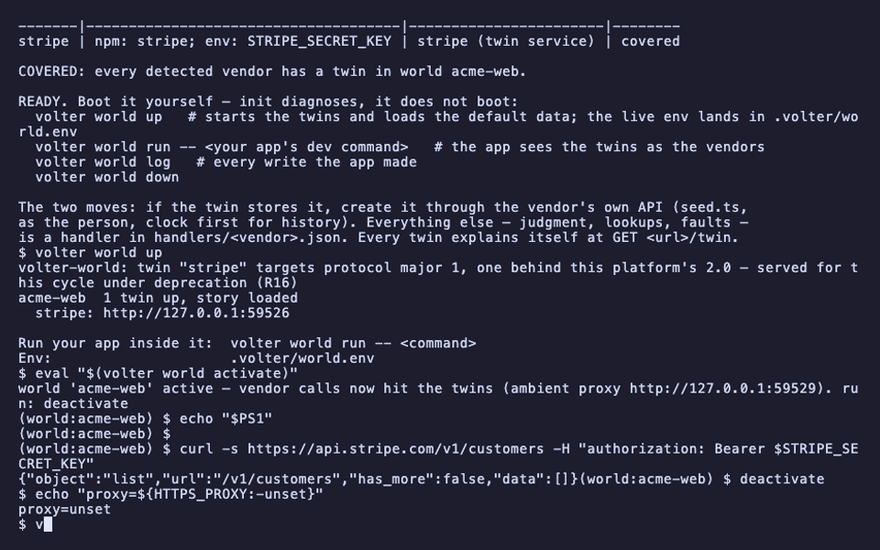
deactivate restores the shell; closing it does the same.
deactivate
echo "proxy=${HTTPS_PROXY:-unset}"
proxy=unset
volter world down
A process you did not launch
A container, a service manager, a tool started by another tool: nothing in its environment came
from activate. The world can still reach it at the network layer. volter-world reflect <branch> --target-ip <ip> runs a resolver that answers the routed vendor hosts with the world's
own TLS front; point the process at that resolver (a container's --dns) and its ordinary
https://api.stripe.com call lands in the twin, with no proxy env, no injector and no change to
the process. Hosts you have not routed resolve normally. Routes are per consumer:
volter-world route acme-web add api.stripe.com, rm, ls.
Another machine
A world can be served for other machines to use: volter-world serve <branch> --advertise https://worlds.example.com publishes a manifest and one TLS front. On the other machine,
volter-world attach https://worlds.example.com -- <command> fetches the manifest, writes the
CA to a temp file, synthesizes the env and runs the command. The remote
your team hosts is the durable version of this: it holds history and keys, not just a running
world.
What it does not do
Redirection is cooperative. A process that ignores proxy env and reads no endpoint variable, or
opens raw sockets, reaches the real vendor. volter world up --sandbox makes the cooperating
clients refuse untwinned hosts; a hermetic claim needs an enforced network boundary around the
world.
Playback
Each command above, as the recording shows it.
npm install
npm install -g @volter/world
npm install -D @volter/twin-stripe
volter world init
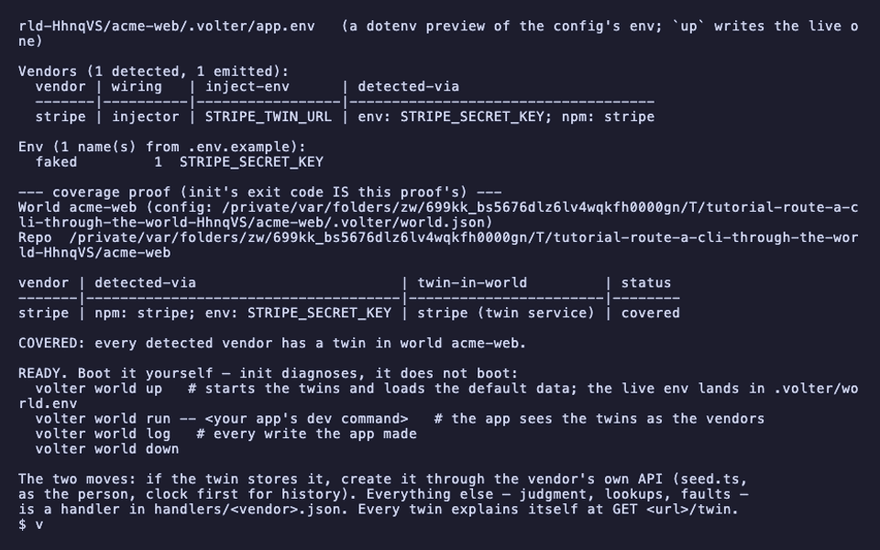
volter world up
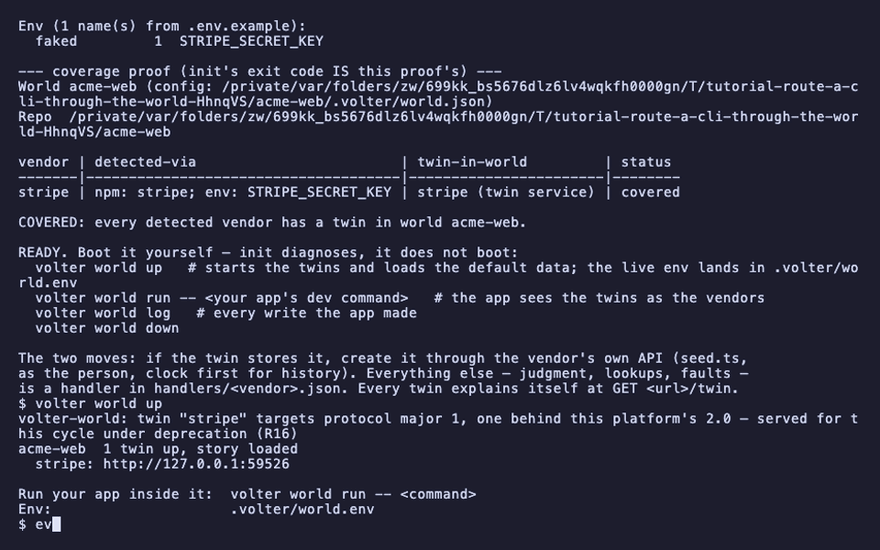
eval "$(volter world activate)"
echo "$PS1"
curl -s https://api.stripe.com/v1/customers -H "authorization: Bearer $STRIPE_SECRET_KEY"
deactivate
echo "proxy=${HTTPS_PROXY:-unset}"
volter world down