Point an app at a shared world
Run the app against the team's world and reach the vendor through it: no key in the app, every call in the log with its receipt, a check in the way.
This page is executed as written by packages/cli/src/journeys/tutorials.test.ts; the recording
is made from the same run.

A shared world whose twin has a root is the vendor with its keys hidden. An app that talks to the world's URL instead of the vendor's is talking to the vendor: each write is performed the moment it arrives, the world answers with what the vendor minted, and every call is an entry in the world's log with its receipt. The credential is sealed beside the world and nowhere else. A check runs before any write is performed, and a refusal comes back in the vendor's own words.
Three worlds
GitHub itself is a world here, so the whole chain runs on one machine; the commands are the same
when the root is https://api.github.com.
{ "name": "acme-web", "private": true, "type": "module", "dependencies": { "@octokit/rest": "^21" } }
// The app: GitHub's own SDK, pointed at a URL and a token from its environment — the team's world
// and the team's token here, api.github.com and a real token in production. Nothing else changes.
import { Octokit } from '@octokit/rest';
const octokit = new Octokit({ auth: process.env.GITHUB_TOKEN, baseUrl: process.env.GITHUB_API_URL });
try {
  const { data: issue } = await octokit.issues.create({ owner: 'acme', repo: 'web', title: process.argv[2] ?? 'Launch checklist' });
  console.log(`filed #${issue.number}`);
} catch (error) {
  console.log(`refused: ${error.message}`);
}
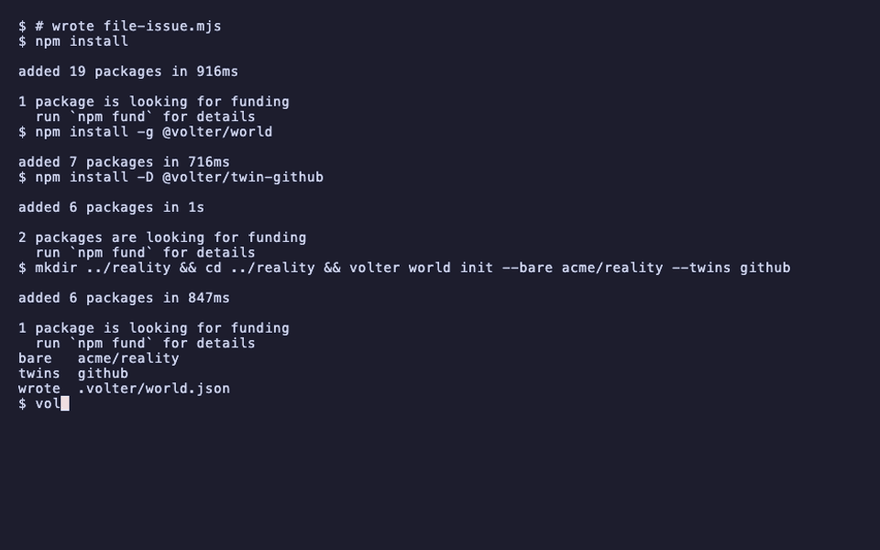
npm install
npm install -g @volter/world
npm install -D @volter/twin-github
mkdir ../reality && cd ../reality && volter world init --bare acme/reality --twins github
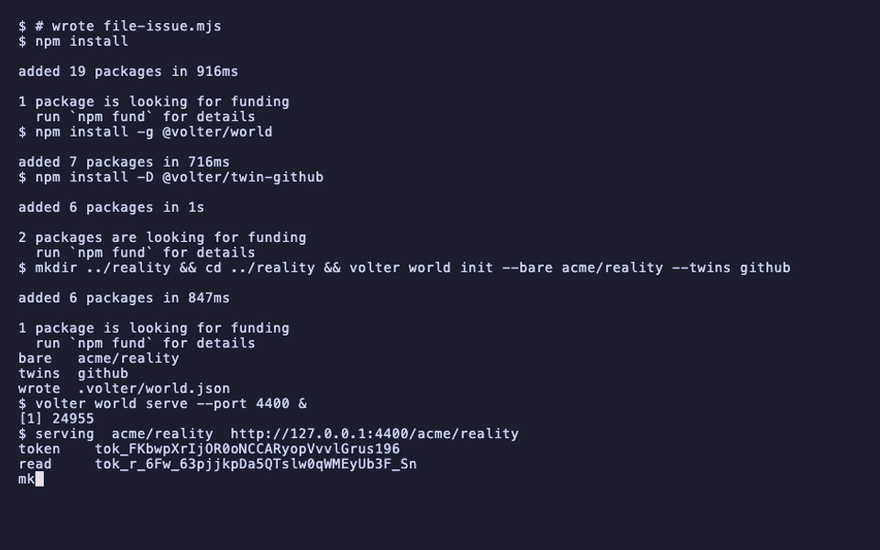
volter world serve --port 4400 &
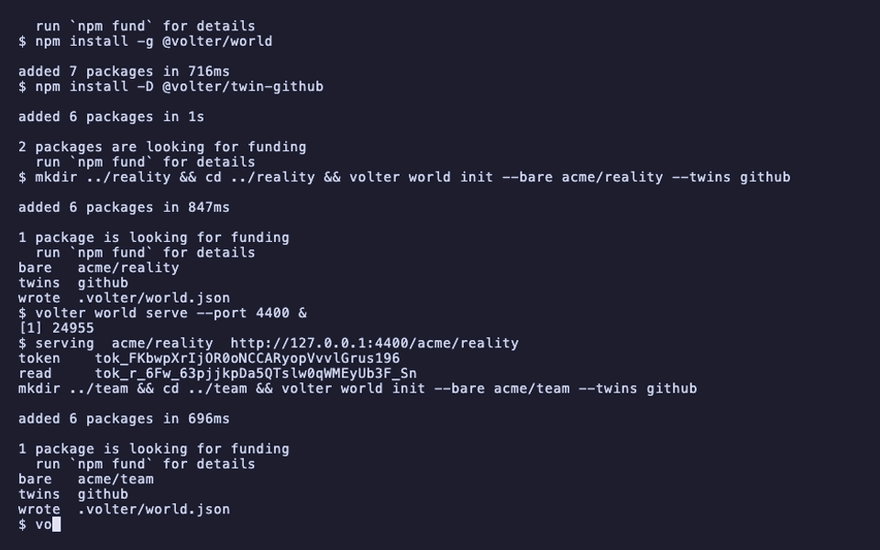
mkdir ../team && cd ../team && volter world init --bare acme/team --twins github
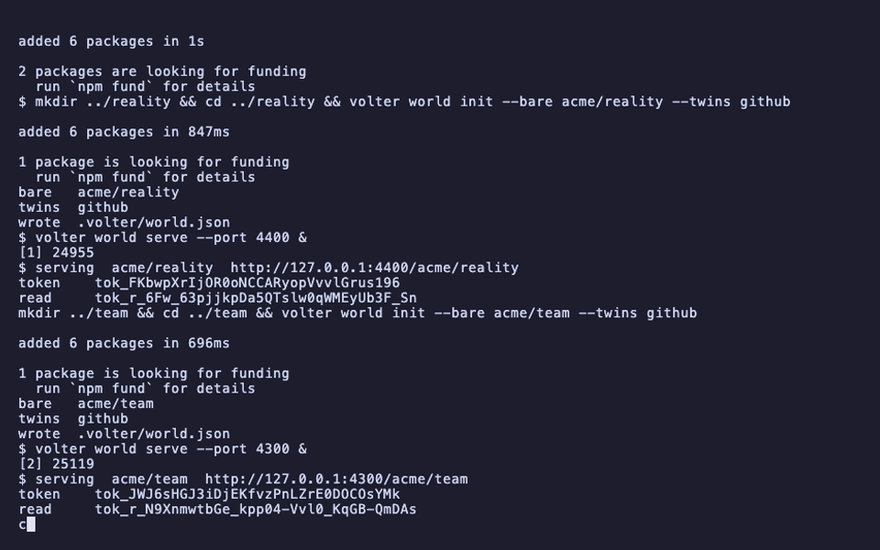
volter world serve --port 4300 &
cd ../acme-web
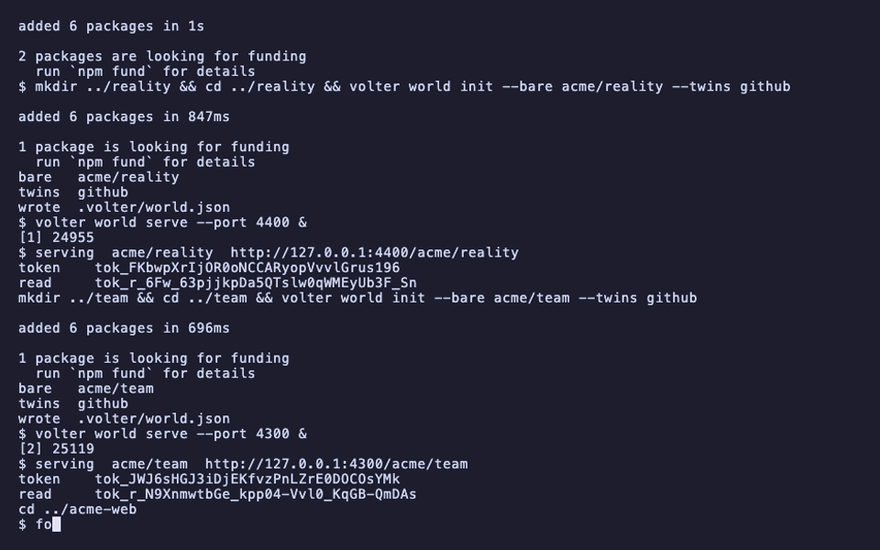
for i in $(seq 1 60); do [ -f ../reality/.volter/token ] && [ -f ../team/.volter/token ] && break; sleep 1; done; sleep 3
Wait for both serving announcements before continuing.
serving  acme/reality  http://127.0.0.1:4400/acme/reality
serving  acme/team  http://127.0.0.1:4300/acme/team
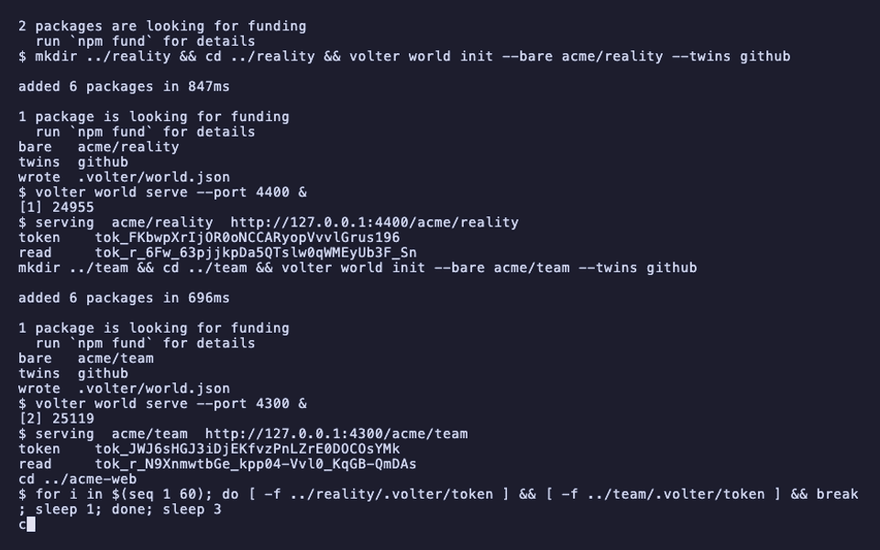
The account already has an issue, so the numbers the vendor mints and the numbers a fresh twin would mint differ — and the page can show whose number the app gets.
curl -s -X POST http://127.0.0.1:4400/acme/reality/github/repos/acme/web/issues -H "authorization: Bearer $(cat ../reality/.volter/token)" -H 'content-type: application/json' -d '{"title":"Something earlier"}' | grep -o '"number":[0-9]*'
"number":1
Set the root
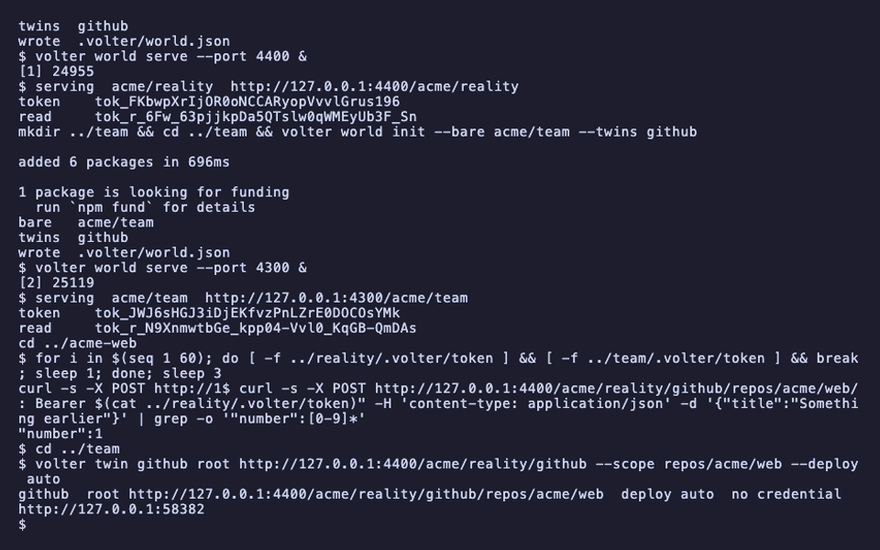
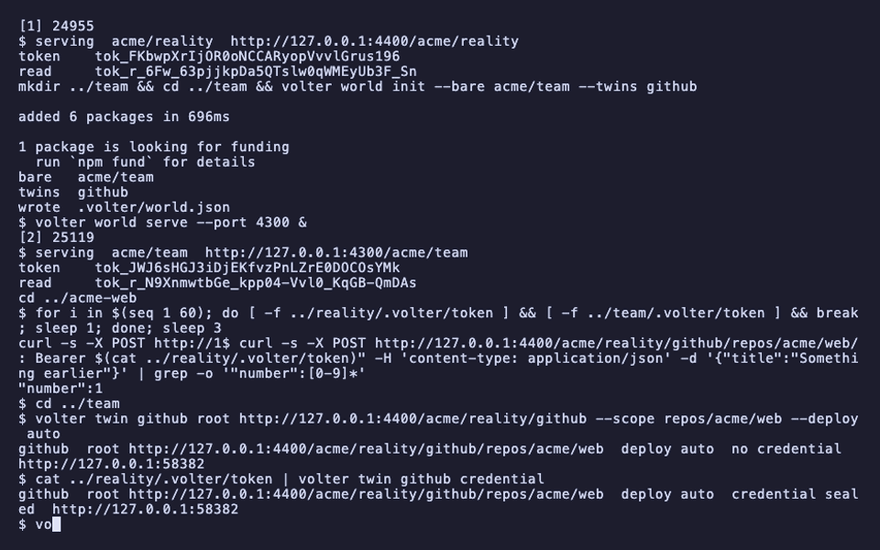
On the shared world, tell the GitHub twin where the vendor is and seal the credential. deploy auto is what makes the world live: an entry is performed the moment it lands.
cd ../team
volter twin github root http://127.0.0.1:4400/acme/reality/github --scope repos/acme/web --deploy auto
cat ../reality/.volter/token | volter twin github credential
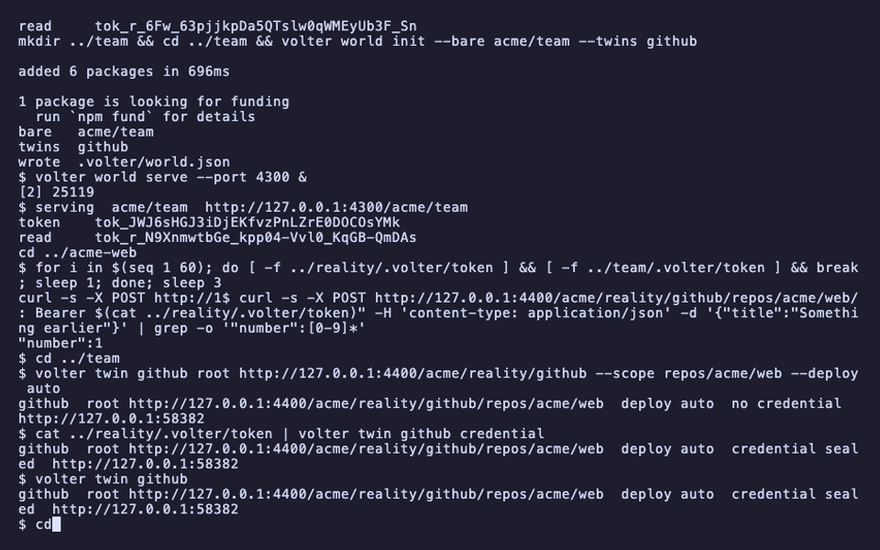
volter twin github
cd ../acme-web
github root http://127.0.0.1:4400/acme/reality/github/repos/acme/web deploy auto credential sealed
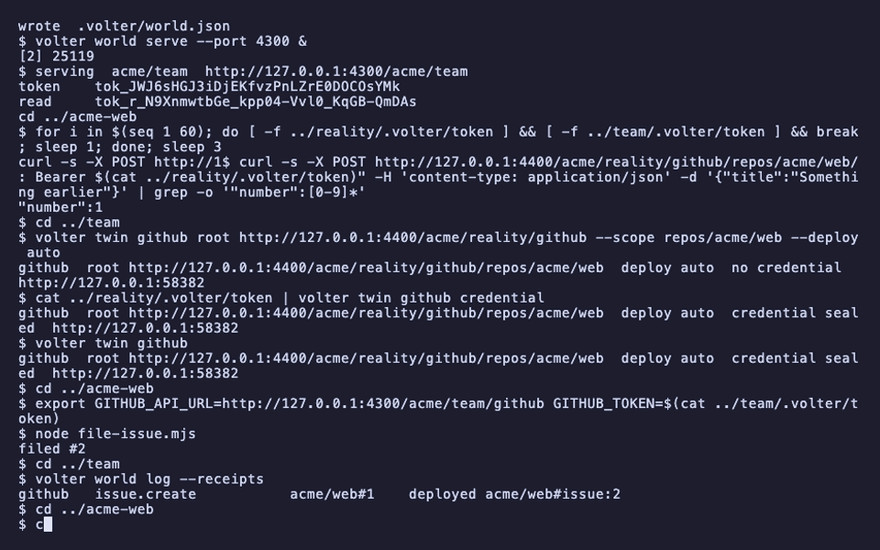
Run the app against the world
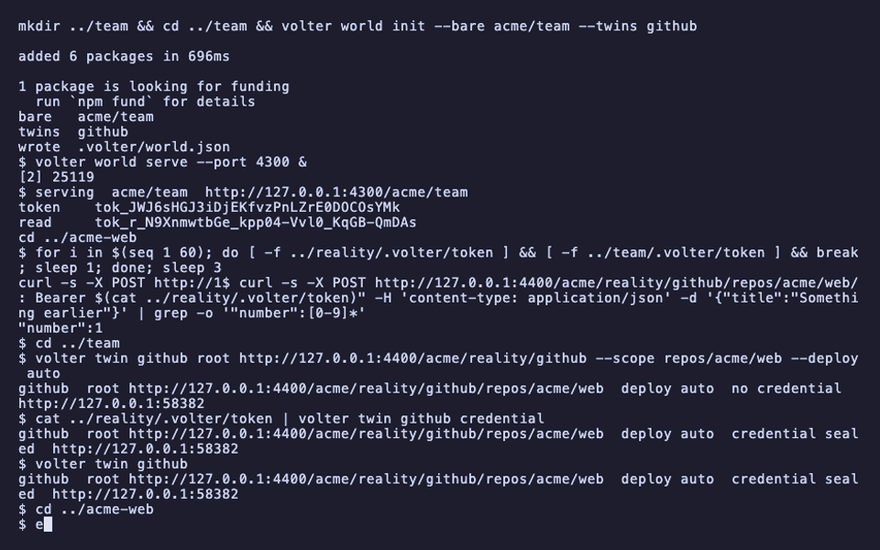
The app's environment names the world's URL and the world's token. It never sees the vendor's.
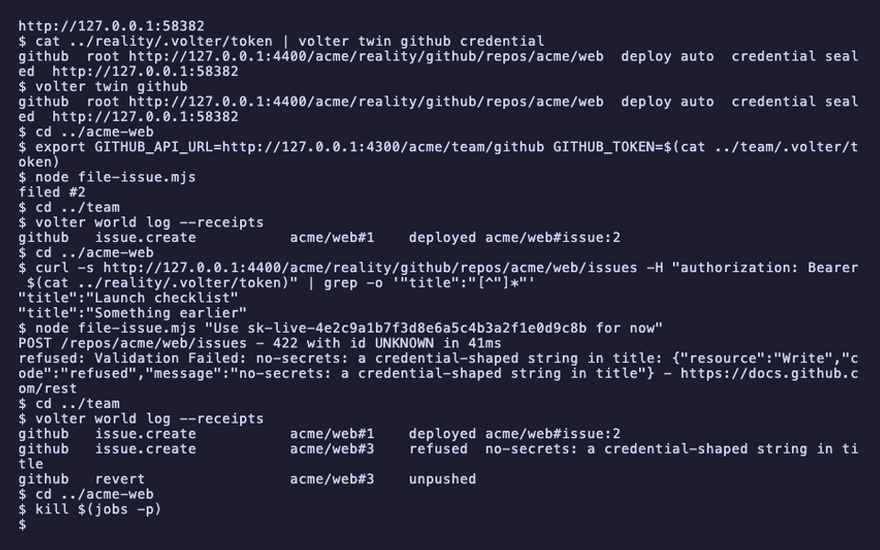
The number it gets back is the one the vendor minted — #2, not the #1 a twin on its own
would have said.
export GITHUB_API_URL=http://127.0.0.1:4300/acme/team/github GITHUB_TOKEN=$(cat ../team/.volter/token)
node file-issue.mjs
filed #2
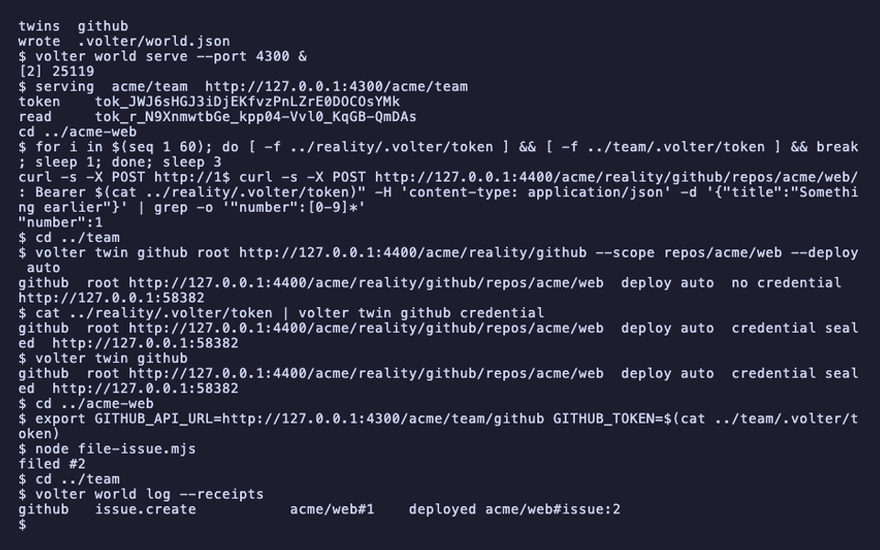
Every call is in the world's log with its receipt: performed, and under which id at the vendor.
cd ../team
volter world log --receipts
cd ../acme-web
github issue.create acme/web#1 deployed acme/web#issue:2
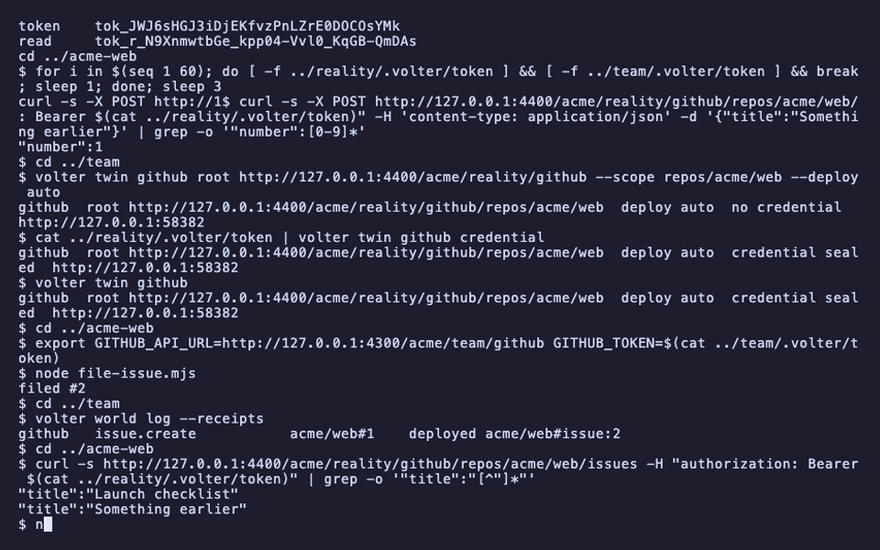
Reality has it:
curl -s http://127.0.0.1:4400/acme/reality/github/repos/acme/web/issues -H "authorization: Bearer $(cat ../reality/.volter/token)" | grep -o '"title":"[^"]*"'
"title":"Launch checklist"
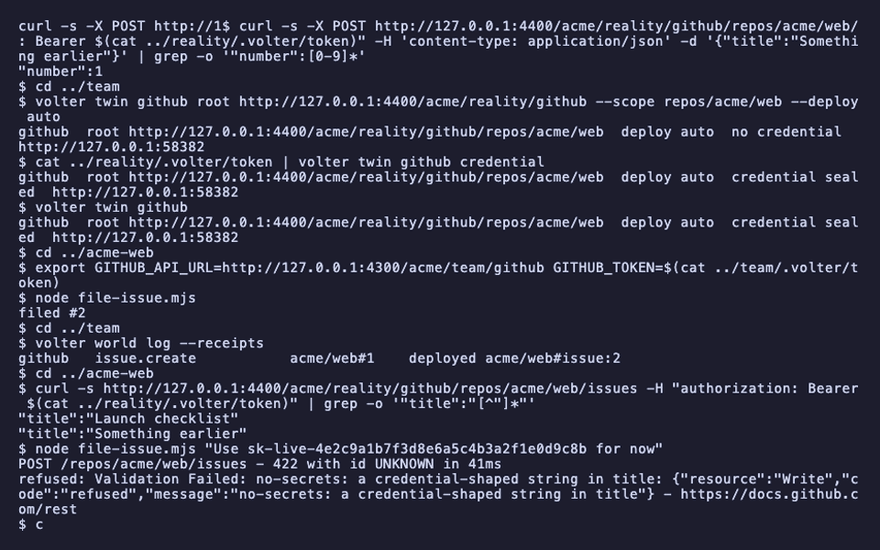
The check that refuses, in the vendor's words
A check is a file under .volter/checks/ in the world that performs. The shipped one refuses any
entry carrying a credential-shaped string — before it is performed, and the app hears it the way
GitHub would have said it. (The twin numbers its next issue after the one the vendor minted, so
this one is #3 locally.)
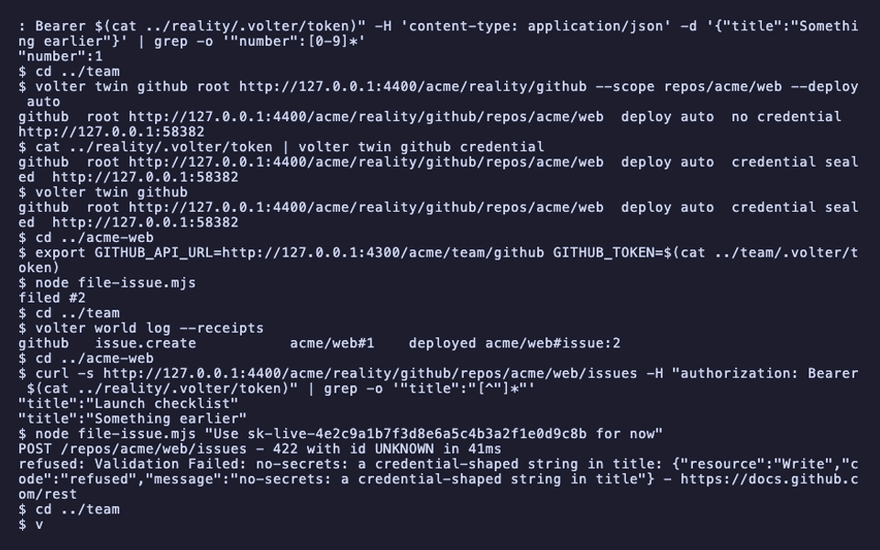
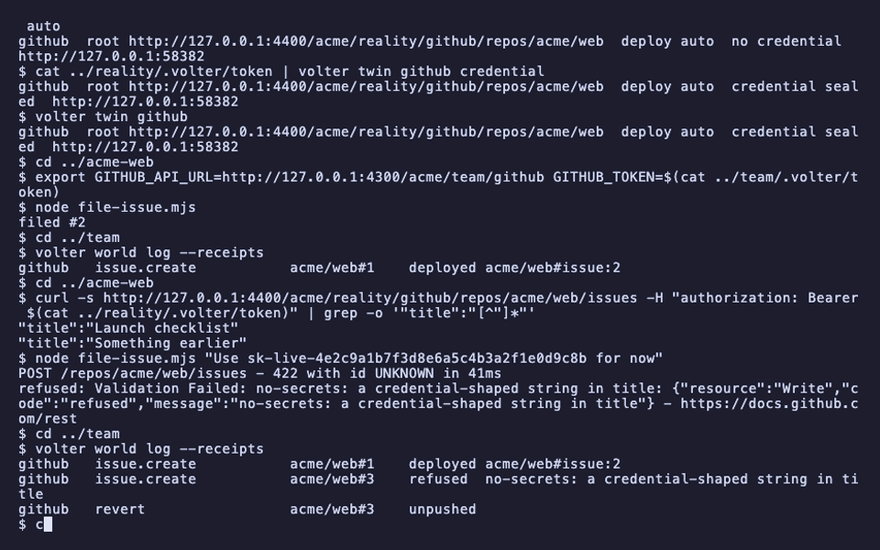
node file-issue.mjs "Use sk-live-4e2c9a1b7f3d8e6a5c4b3a2f1e0d9c8b for now"
cd ../team
volter world log --receipts
cd ../acme-web
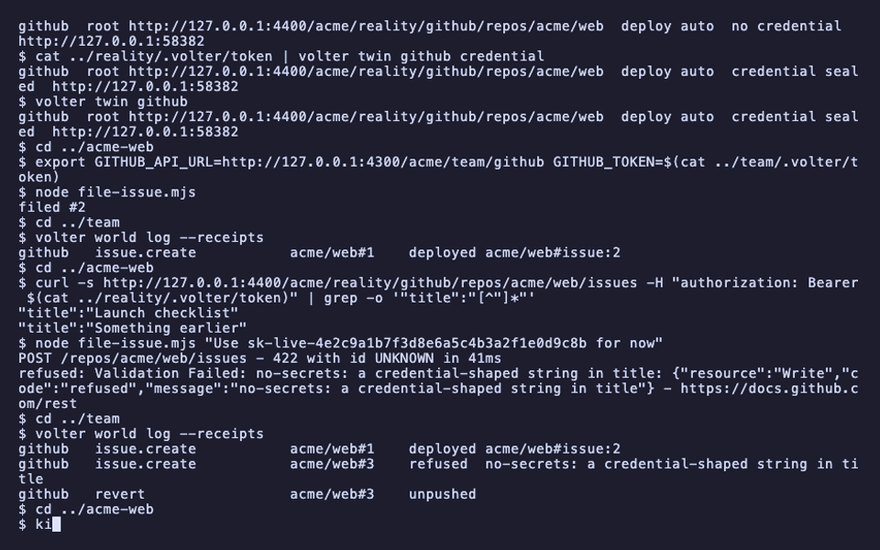
refused: Validation Failed: no-secrets: a credential-shaped string in title
github   issue.create   acme/web#3    refused  no-secrets: a credential-shaped string in title
Clean up
kill $(jobs -p)
Playback
Each command above, as the recording shows it.
npm install
npm install -g @volter/world
npm install -D @volter/twin-github
mkdir ../reality && cd ../reality && volter world init --bare acme/reality --twins github
volter world serve --port 4400 &
mkdir ../team && cd ../team && volter world init --bare acme/team --twins github
volter world serve --port 4300 &
cd ../acme-web
for i in $(seq 1 60); do [ -f ../reality/.volter/token ] && [ -f ../team/.volter/token ] && break; sleep 1; done; sleep 3
curl -s -X POST http://127.0.0.1:4400/acme/reality/github/repos/acme/web/issues -H "authorization: Bearer $(cat ../reality/.volter/token)" -H 'content-type: application/json' -d '{"title":"Something earlier"}' | grep -o '"number":[0-9]*'
cd ../team
volter twin github root http://127.0.0.1:4400/acme/reality/github --scope repos/acme/web --deploy auto
cat ../reality/.volter/token | volter twin github credential
volter twin github
cd ../acme-web
export GITHUB_API_URL=http://127.0.0.1:4300/acme/team/github GITHUB_TOKEN=$(cat ../team/.volter/token)
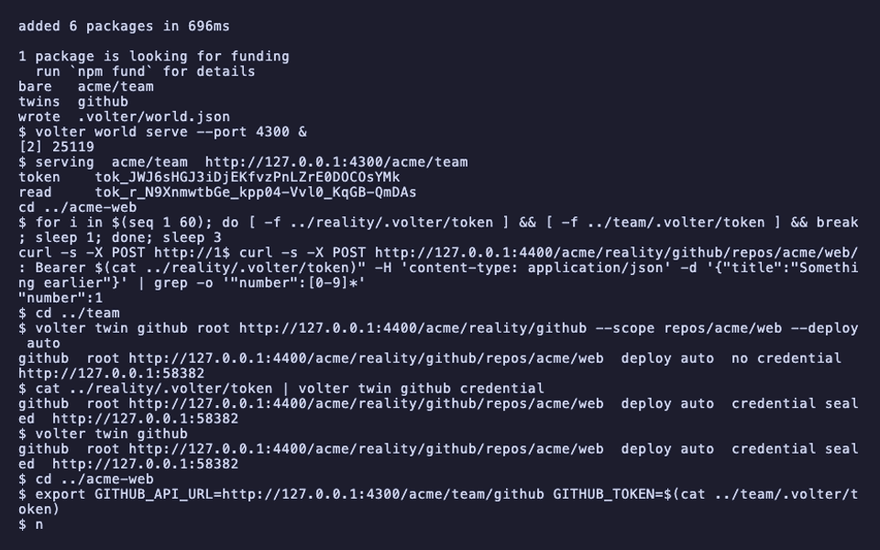
node file-issue.mjs
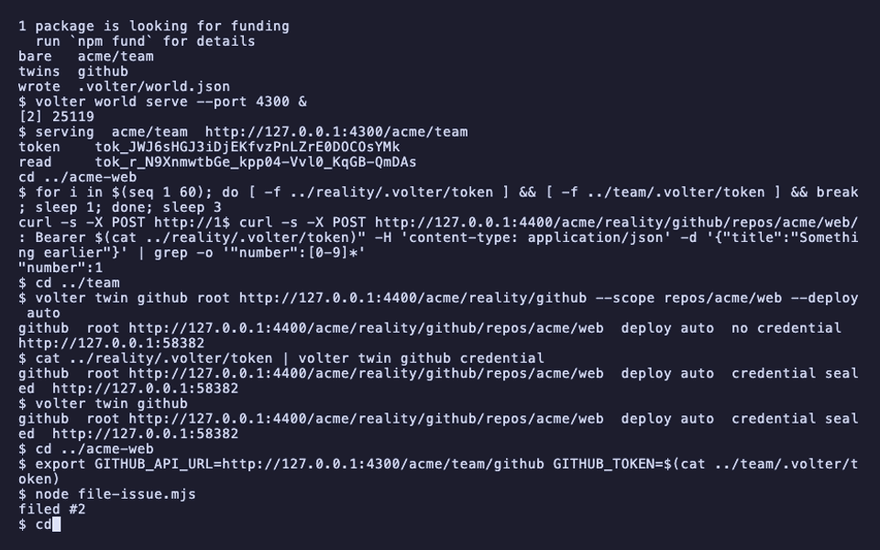
cd ../team
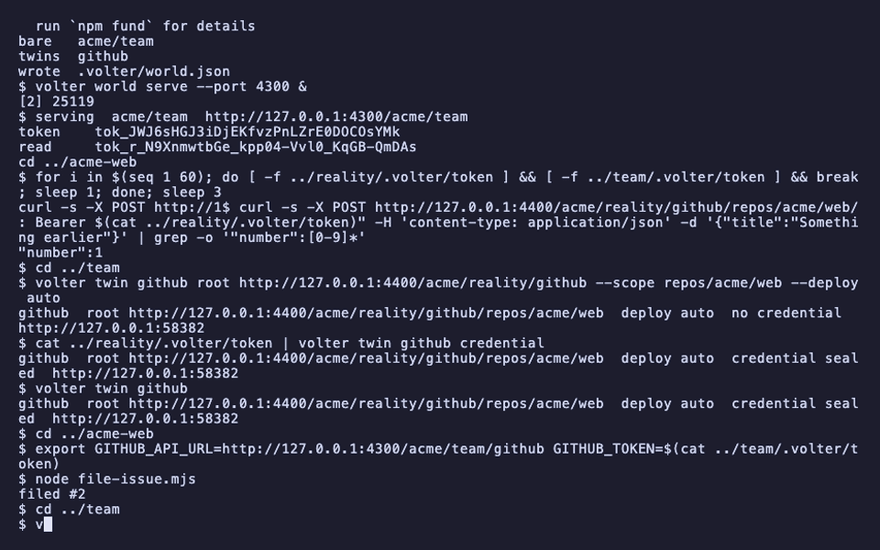
volter world log --receipts
cd ../acme-web
curl -s http://127.0.0.1:4400/acme/reality/github/repos/acme/web/issues -H "authorization: Bearer $(cat ../reality/.volter/token)" | grep -o '"title":"[^"]*"'
node file-issue.mjs "Use sk-live-4e2c9a1b7f3d8e6a5c4b3a2f1e0d9c8b for now"
cd ../team
volter world log --receipts
cd ../acme-web
kill $(jobs -p)