Deploy from a shared world
Get what your app wrote to the vendor, with a receipt for every change, and a check in the way.
This page is executed as written by packages/cli/src/journeys/tutorials.test.ts; the recording
is made from the same run.

Nothing your app does in a world reaches a vendor until an entry lands on a world whose twin has
a root: the vendor's real account, with a credential sealed beside it. That world is the
team's shared world, and this page sets its GitHub twin's root, pushes to it, and reads the
receipts. GitHub itself is a third world here, so the whole chain runs on one machine; the
commands are the same when the root is https://api.github.com.
The three worlds
{ "name": "acme-web", "private": true, "type": "module", "dependencies": { "@octokit/rest": "^21" } }
import { Octokit } from '@octokit/rest';
const octokit = new Octokit({ auth: process.env.GITHUB_TOKEN });
const { data: issue } = await octokit.issues.create({ owner: 'acme', repo: 'web', title: process.argv[2] ?? 'Launch checklist' });
console.log(`filed #${issue.number}`);
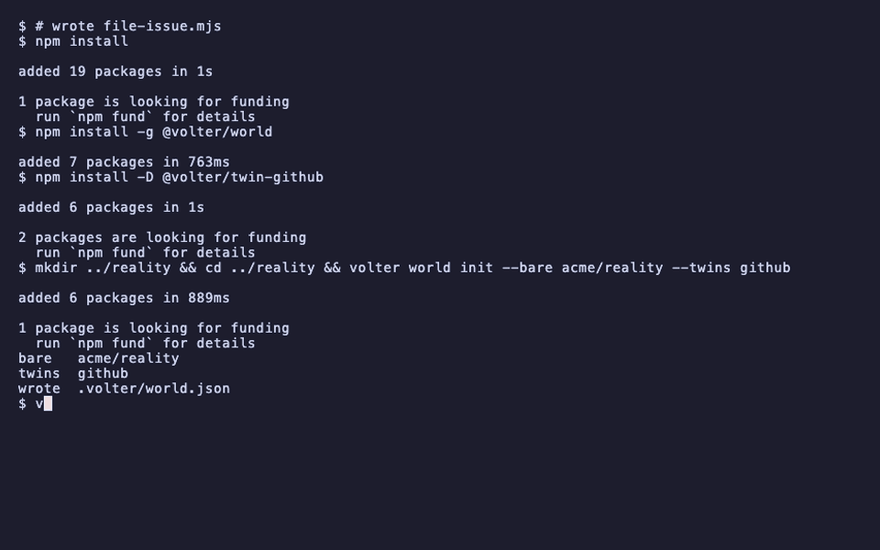
npm install
npm install -g @volter/world
npm install -D @volter/twin-github
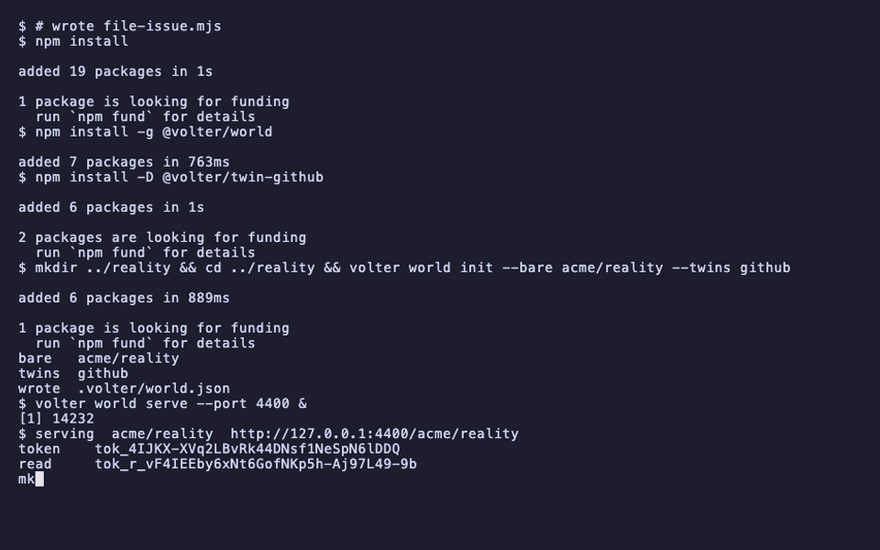
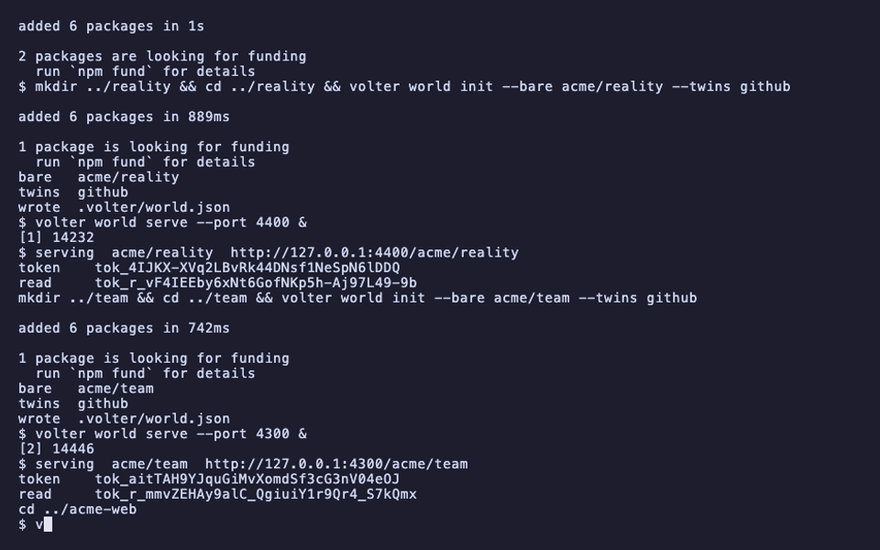
mkdir ../reality && cd ../reality && volter world init --bare acme/reality --twins github
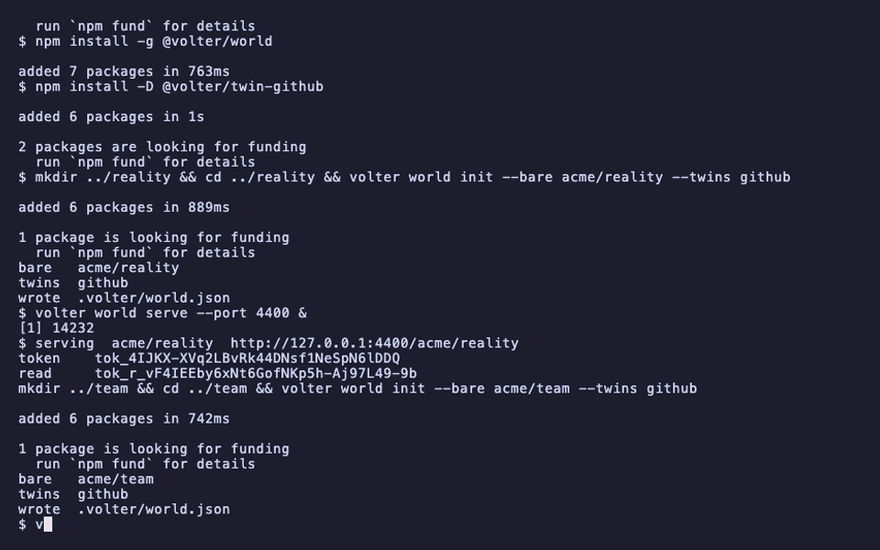
volter world serve --port 4400 &
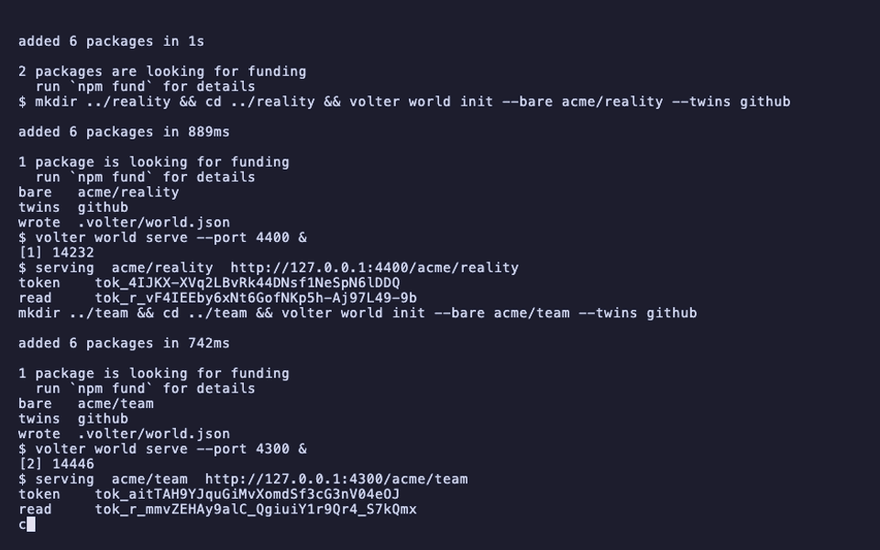
mkdir ../team && cd ../team && volter world init --bare acme/team --twins github
volter world serve --port 4300 &
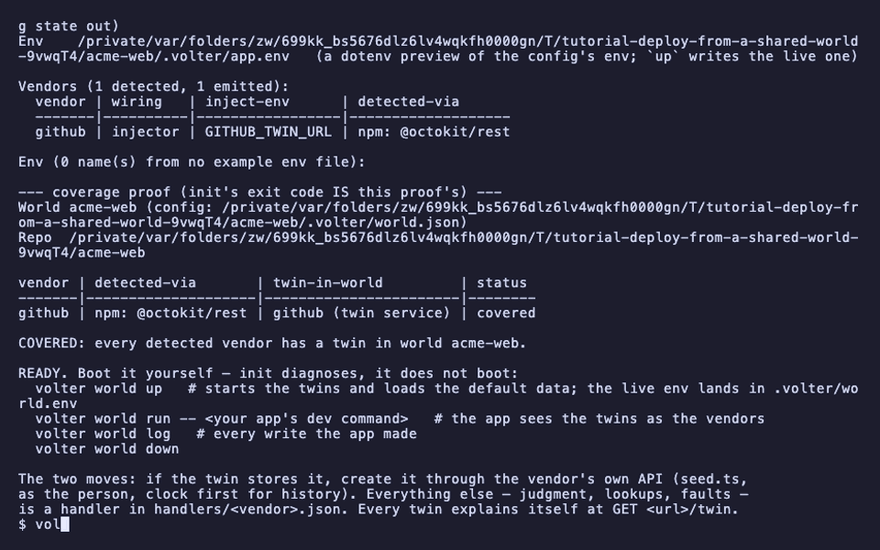
cd ../acme-web
volter world init
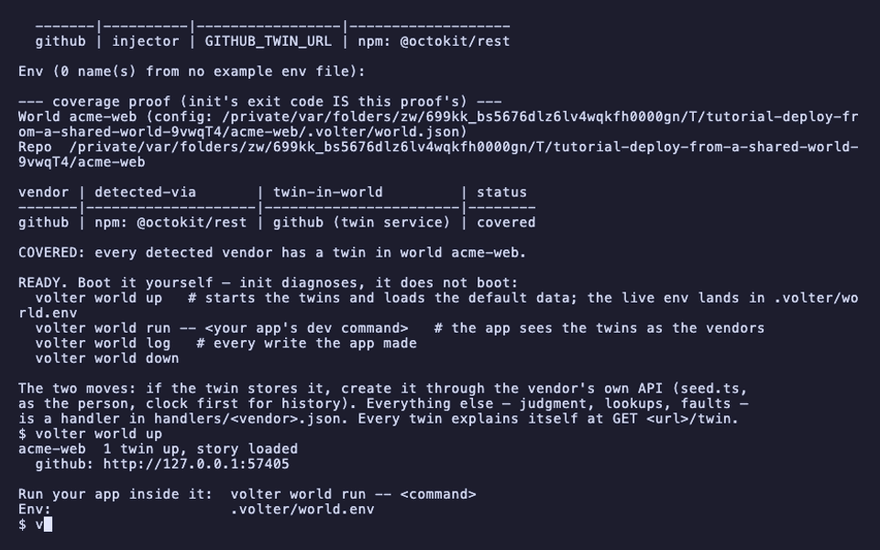
volter world up
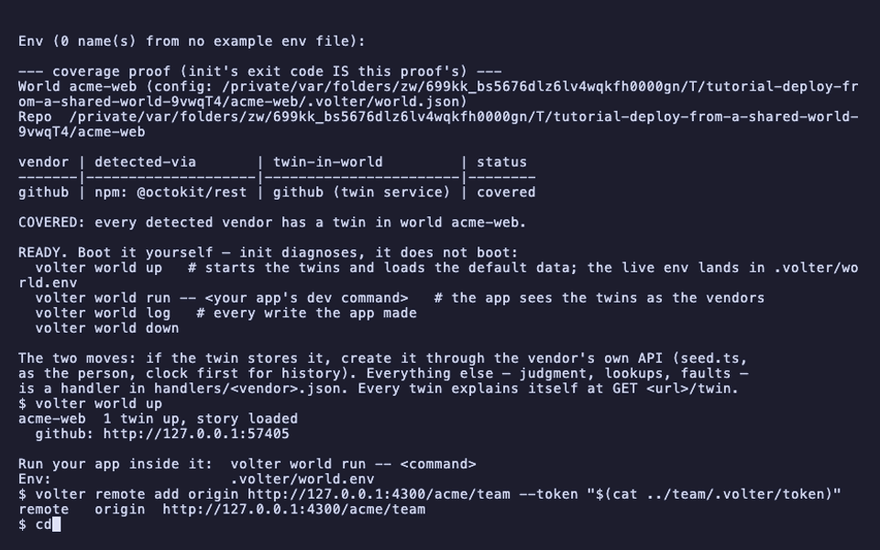
volter remote add origin http://127.0.0.1:4300/acme/team --token "$(cat ../team/.volter/token)"
serving  acme/reality  http://127.0.0.1:4400/acme/reality
serving  acme/team  http://127.0.0.1:4300/acme/team
acme-web  1 twin up, story loaded
Set the root
On the shared world, tell the GitHub twin where the vendor is, and which repository the account
is, and seal the credential. The
credential is read from stdin, encrypted at once under a key in your config directory, and never
readable back. Here the vendor is a world, so its credential is that world's own token. The deploy policy says what a landed entry needs: gated waits for a verified and
approved changeset; auto would deploy on arrival; hold waits to be run.
cd ../team
volter twin github root http://127.0.0.1:4400/acme/reality/github --scope repos/acme/web --deploy gated
cat ../reality/.volter/token | volter twin github credential
volter twin github
cd ../acme-web
github root http://127.0.0.1:4400/acme/reality/github/repos/acme/web deploy gated credential sealed
Write, cut a changeset, push
volter world run -- node file-issue.mjs
volter world changeset -m "The launch checklist"
volter world push
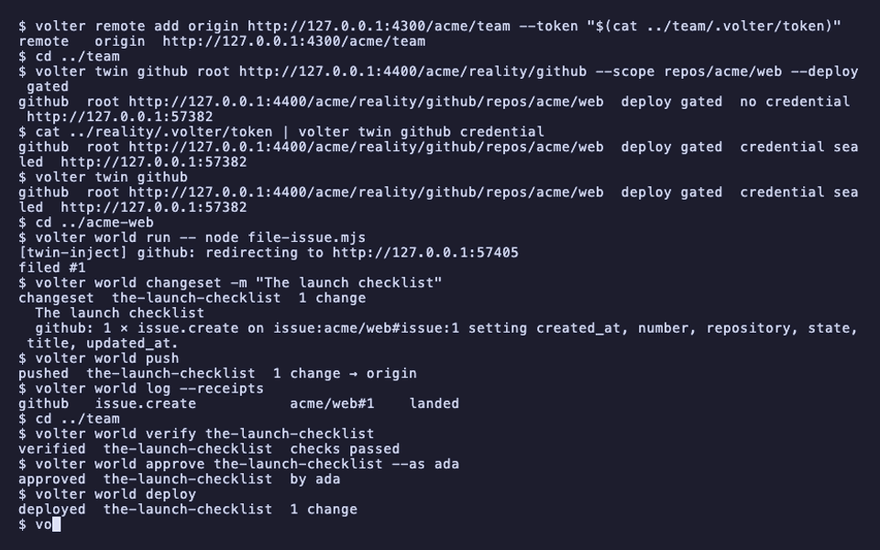
volter world log --receipts
filed #1
changeset  the-launch-checklist  1 change
pushed  the-launch-checklist  1 change → origin
github   issue.create   acme/web#1    landed
The entry landed on the shared world and waits: the policy is gated, and the changeset has not
been verified or approved.
Verify, approve, deploy
The shared world runs the changeset's checks and records the result, a reviewer signs the current hash, and deploy performs it against the root.
cd ../team
volter world verify the-launch-checklist
volter world approve the-launch-checklist --as ada
volter world deploy
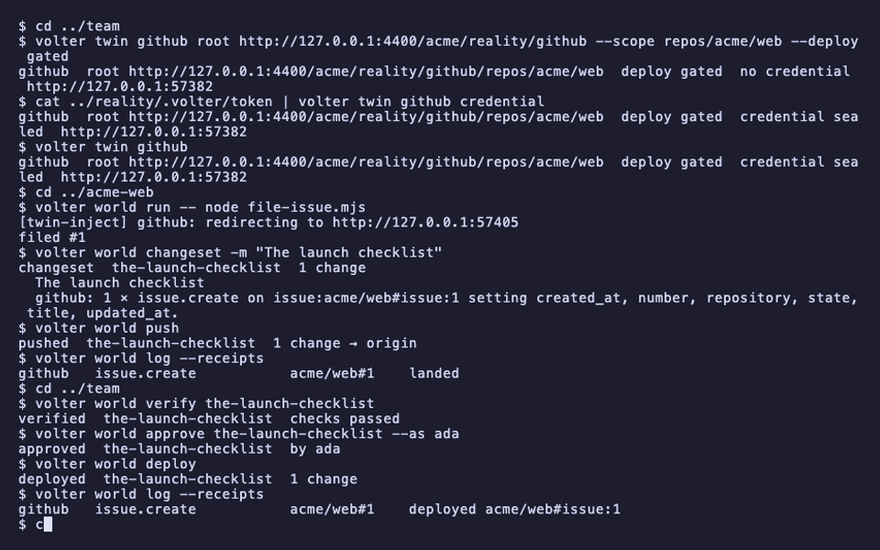
volter world log --receipts
cd ../acme-web
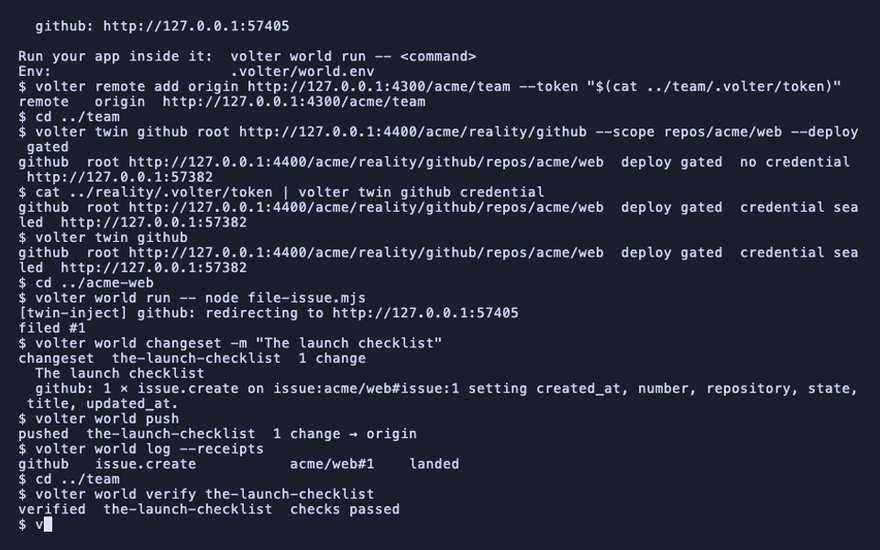
verified  the-launch-checklist  checks passed
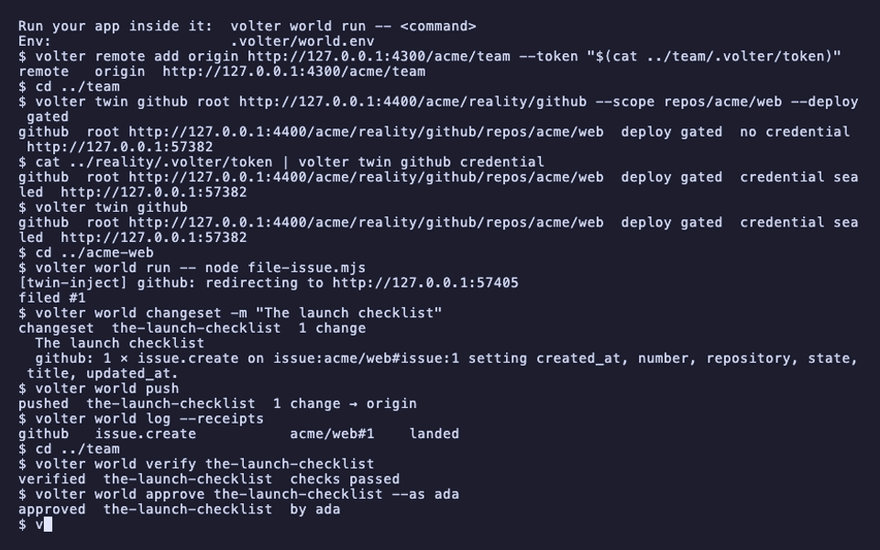
approved  the-launch-checklist  by ada
deployed  the-launch-checklist  1 change
github   issue.create   acme/web#1    deployed
The shared world's dashboard does the same on its Changesets page, as a pull request is reviewed: each changeset with what it changes at each vendor, its checks and its approvals, and Verify, Approve and Deploy buttons. Opened from the platform, an approval is signed as the person you are; a read-only link sees it all and changes nothing. Deploy asks you to type the changeset's name, and afterwards the page lists its receipts.
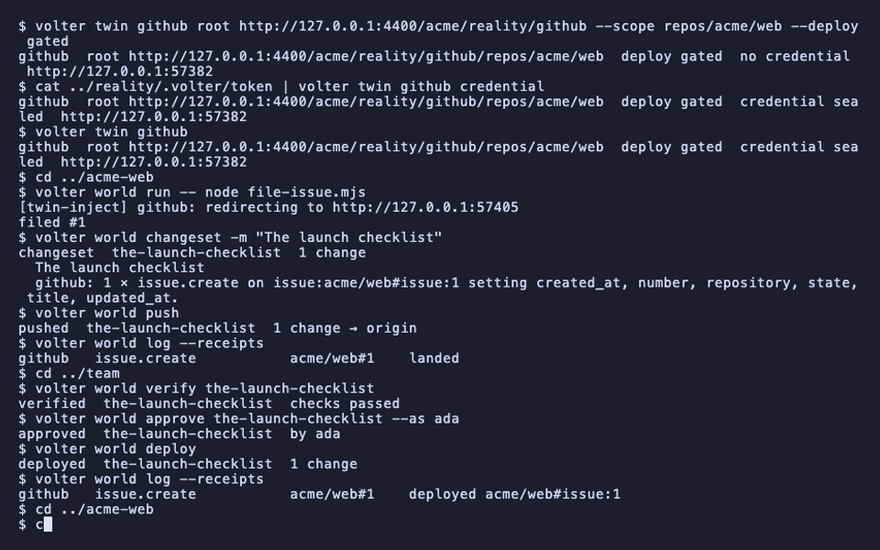
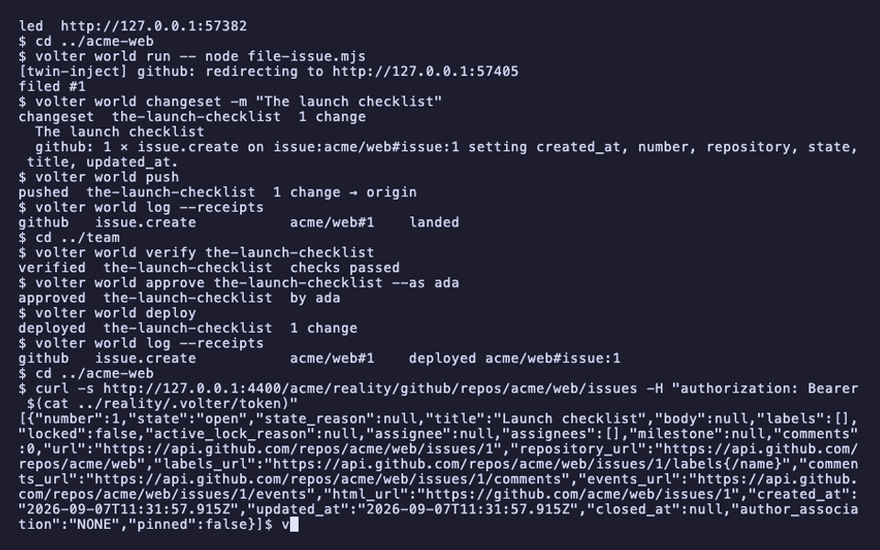
Reality has the issue:
curl -s http://127.0.0.1:4400/acme/reality/github/repos/acme/web/issues -H "authorization: Bearer $(cat ../reality/.volter/token)"
"title":"Launch checklist"
And your world sees the receipt on its next fetch:
volter world pull
volter world log --receipts
github issue.create acme/web#1 deployed
The check that refuses
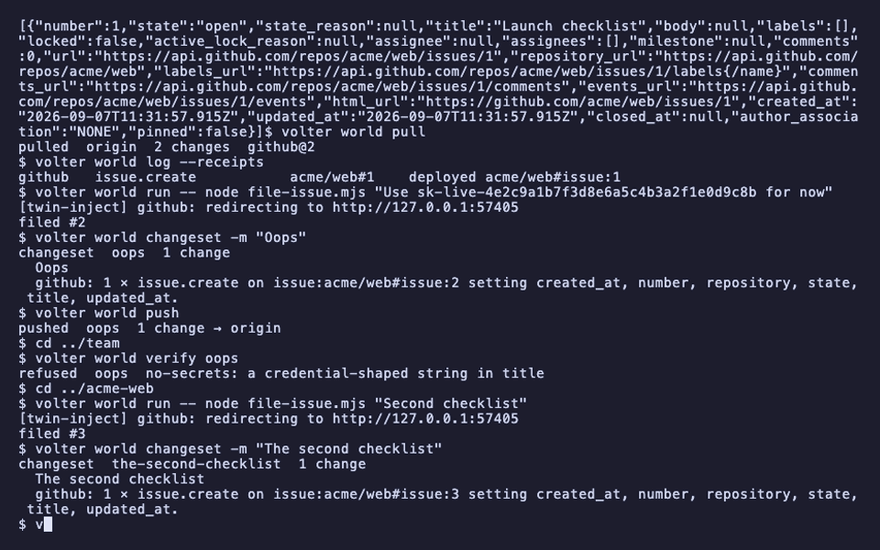
A check is a file under .volter/checks/ in the world that deploys. The shipped one refuses any
entry carrying a credential-shaped string. A rebased or unverified changeset is refused the same
way, with the reason on the entry.
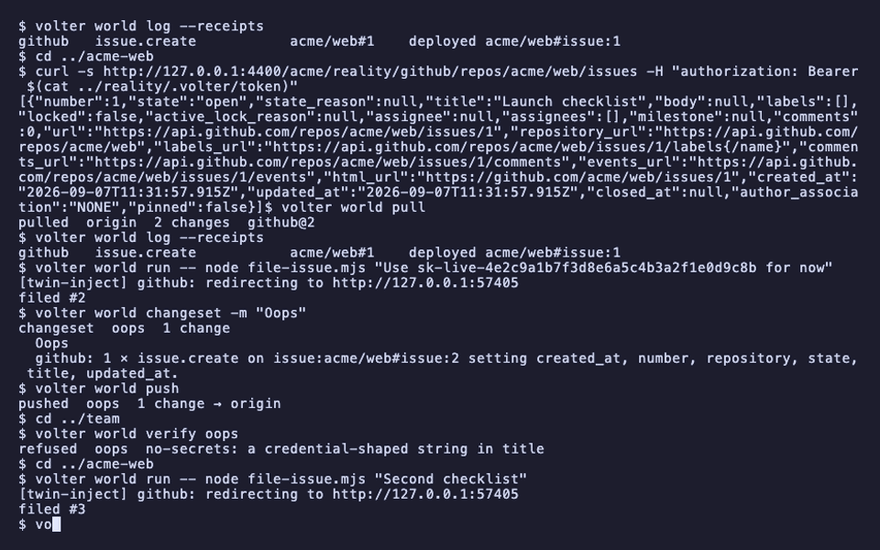
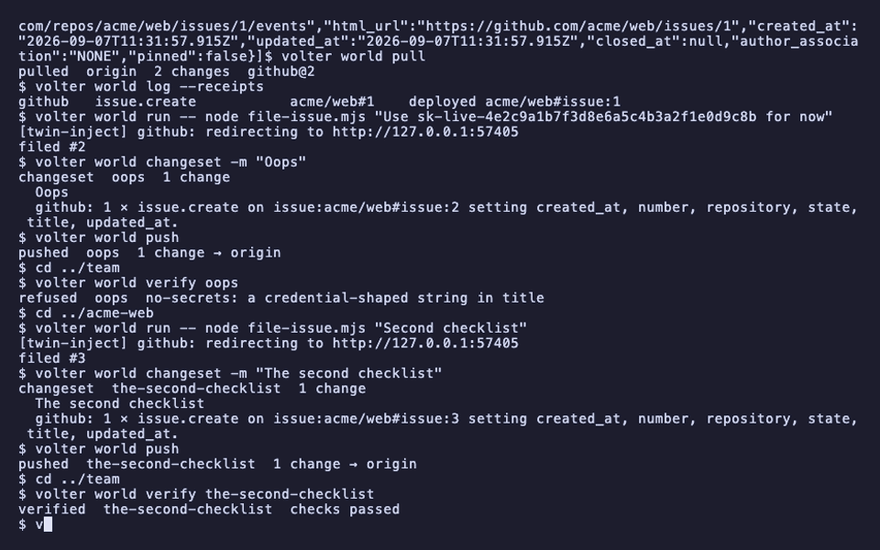
volter world run -- node file-issue.mjs "Use sk-live-4e2c9a1b7f3d8e6a5c4b3a2f1e0d9c8b for now"
volter world changeset -m "Oops"
volter world push
cd ../team
volter world verify oops
cd ../acme-web
refused oops no-secrets: a credential-shaped string in title
When the vendor moved
If the account changed under a changeset since it was cut, a push refuses rather than overwrite,
and rebase names the conflict by record and field. Read the vendor through a shared
world walks it.
When the vendor is down
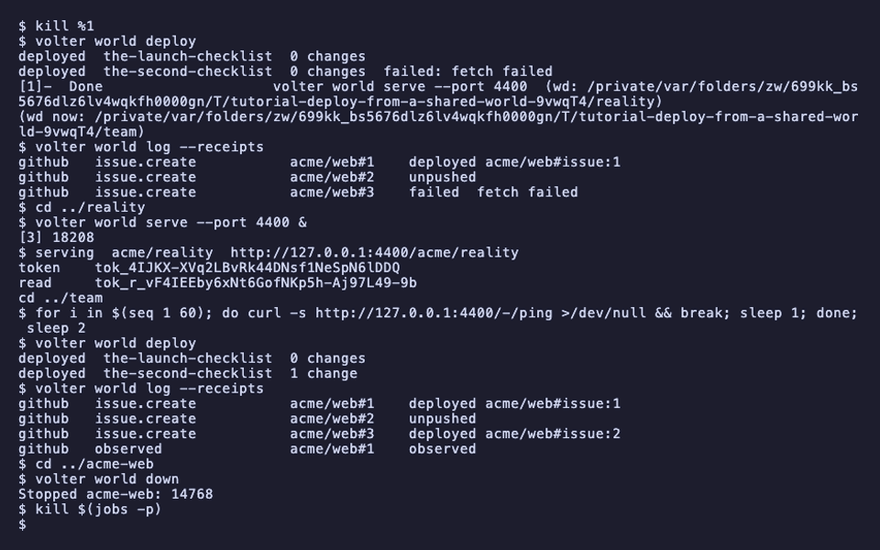
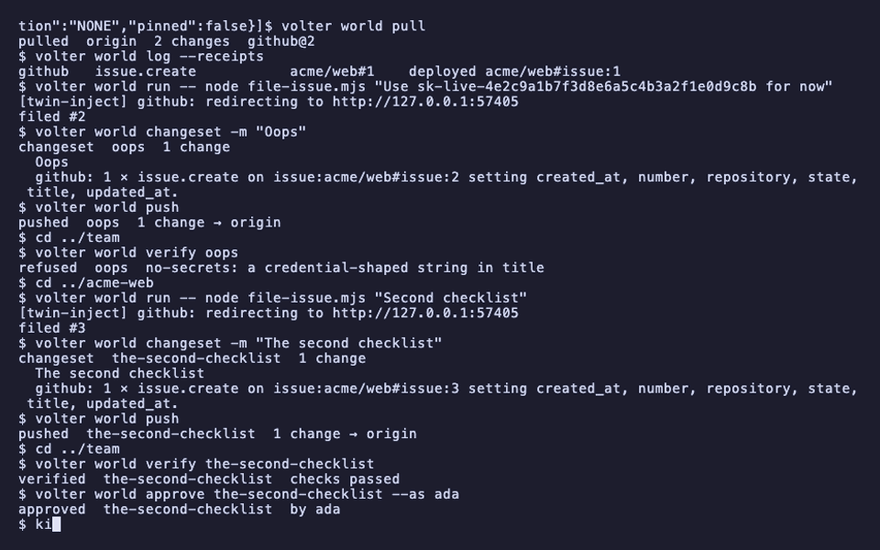
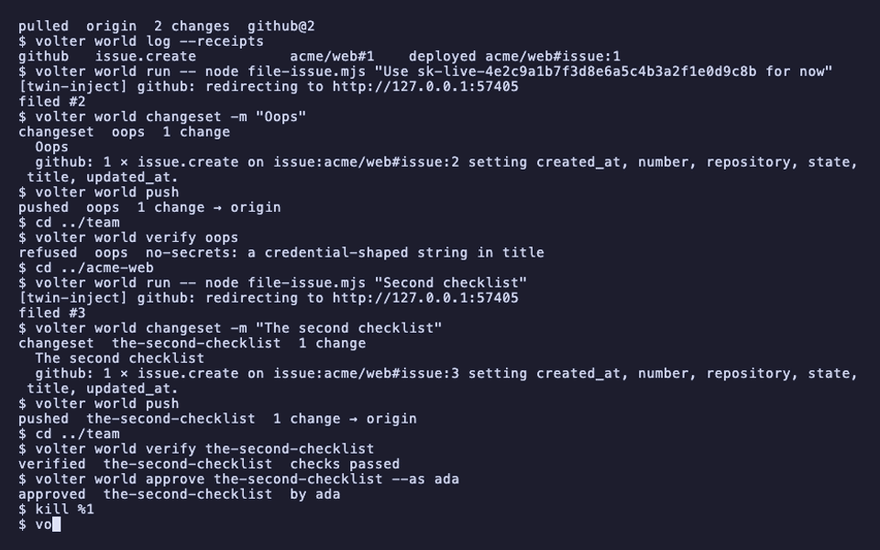
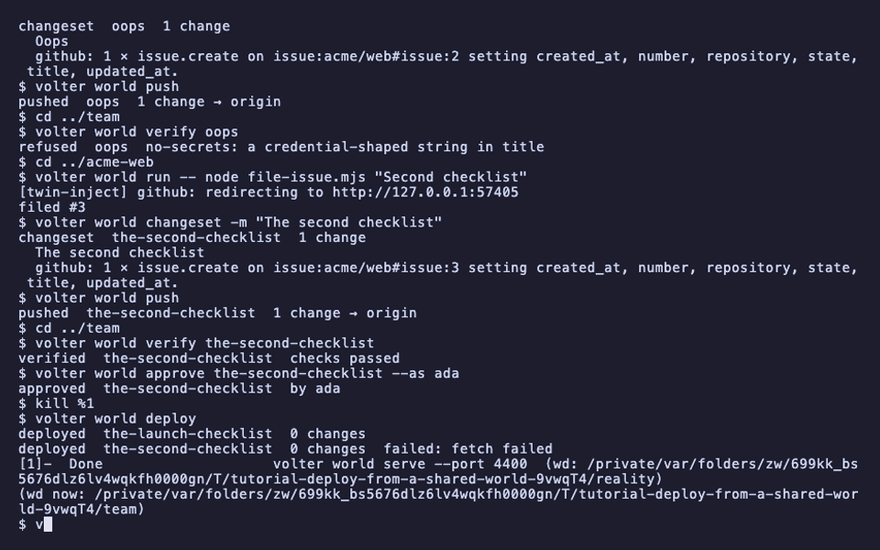
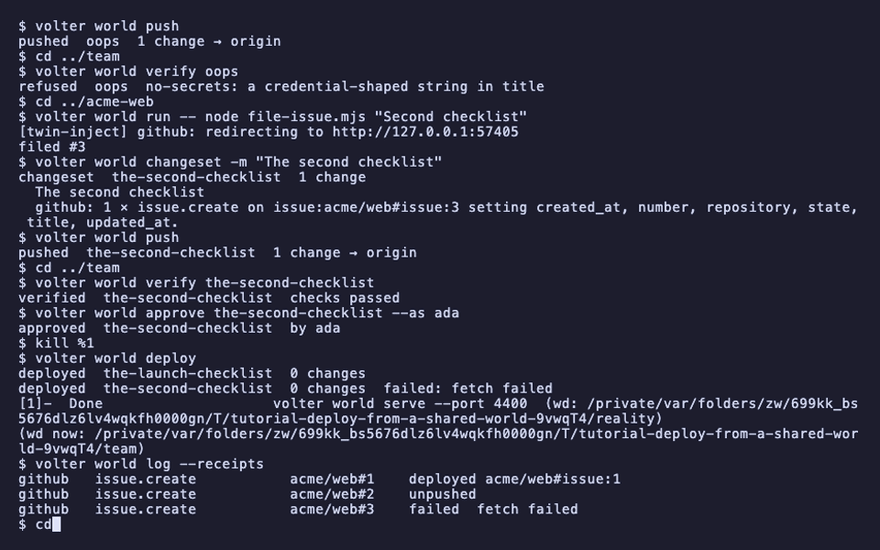
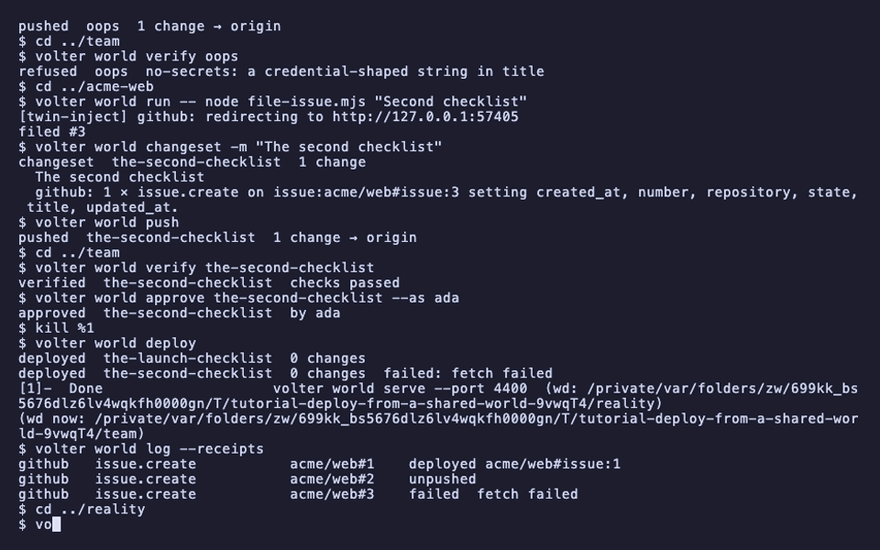
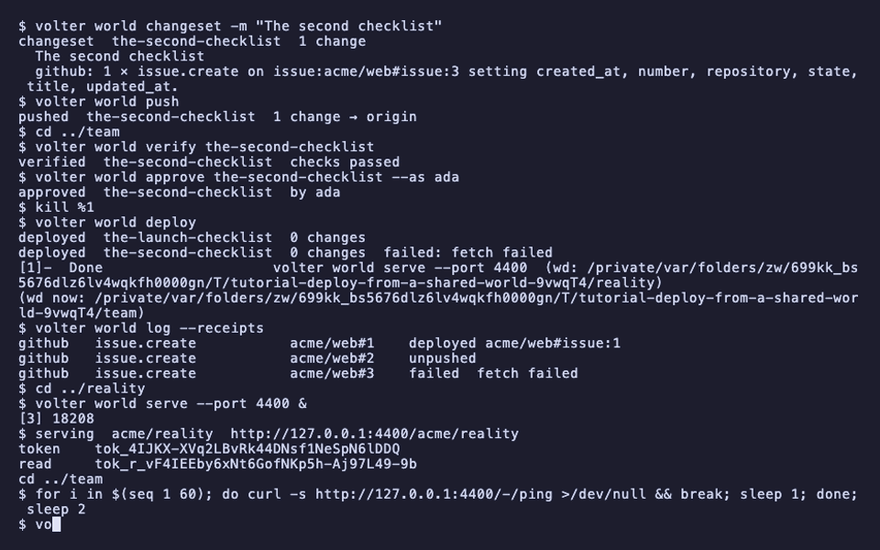
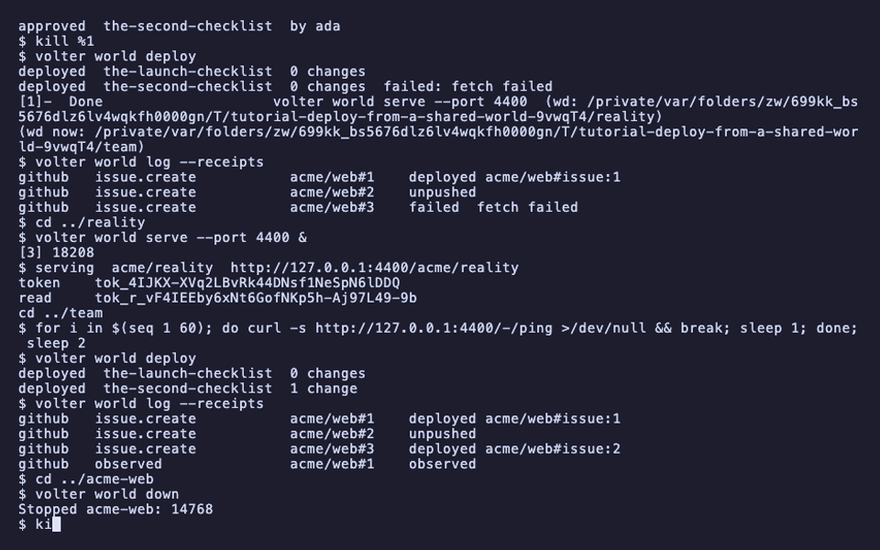
A deploy is a transaction. Stop the vendor and deploy: the entry's receipt says failed with the
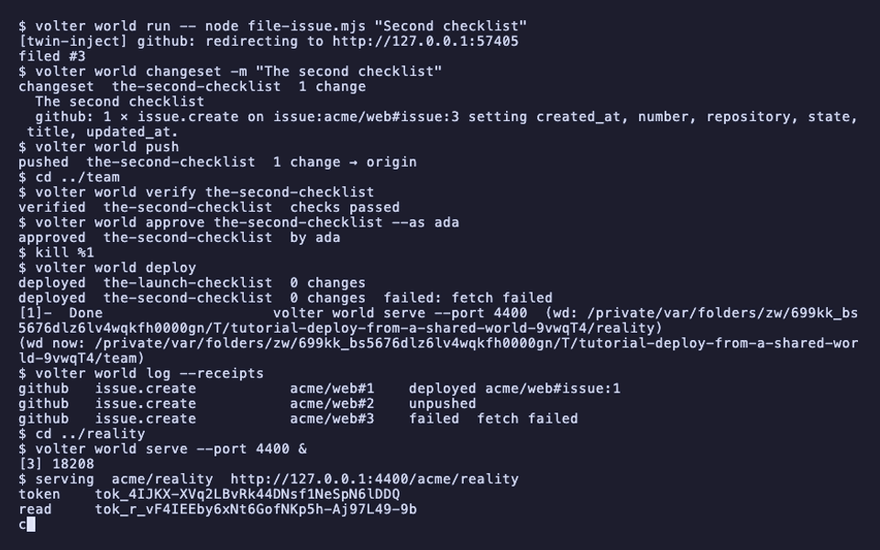
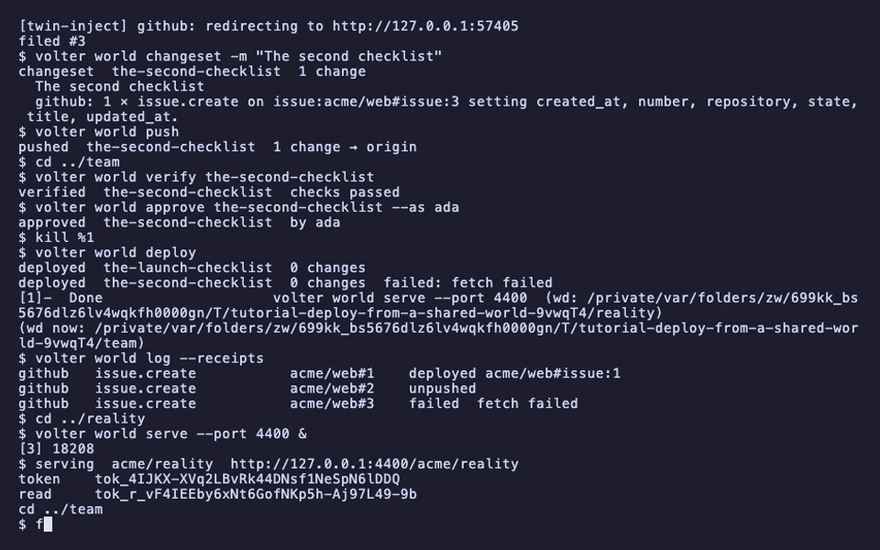
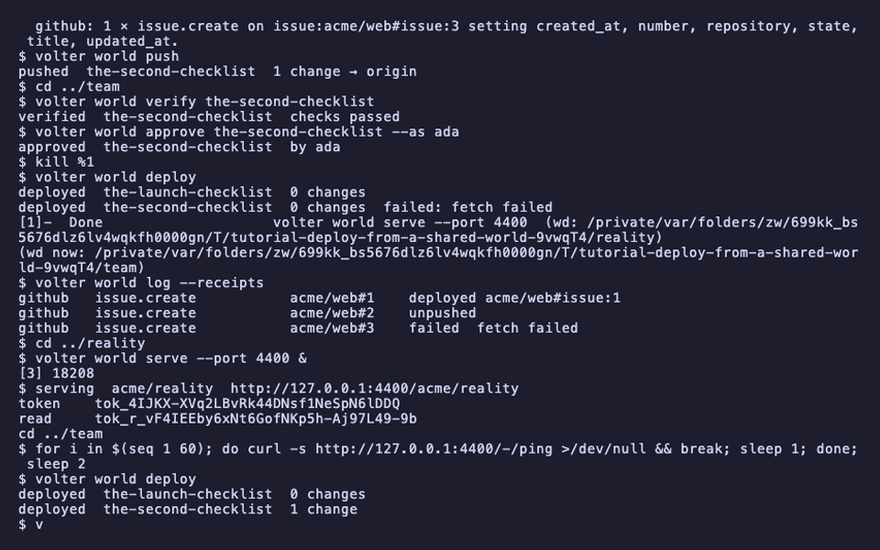
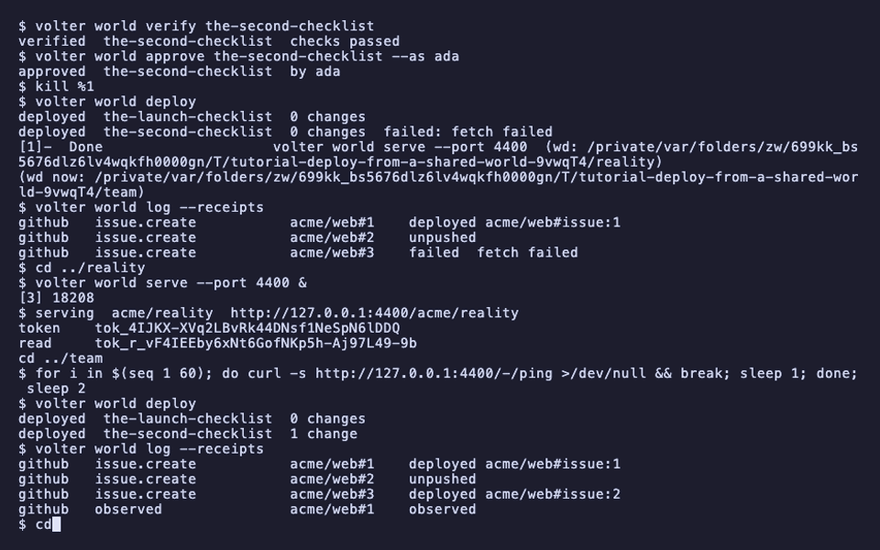
reason, and nothing after it is attempted. Bring the vendor back and deploy again: what already
crossed is not sent twice, the failed entry is retried, the rest run.
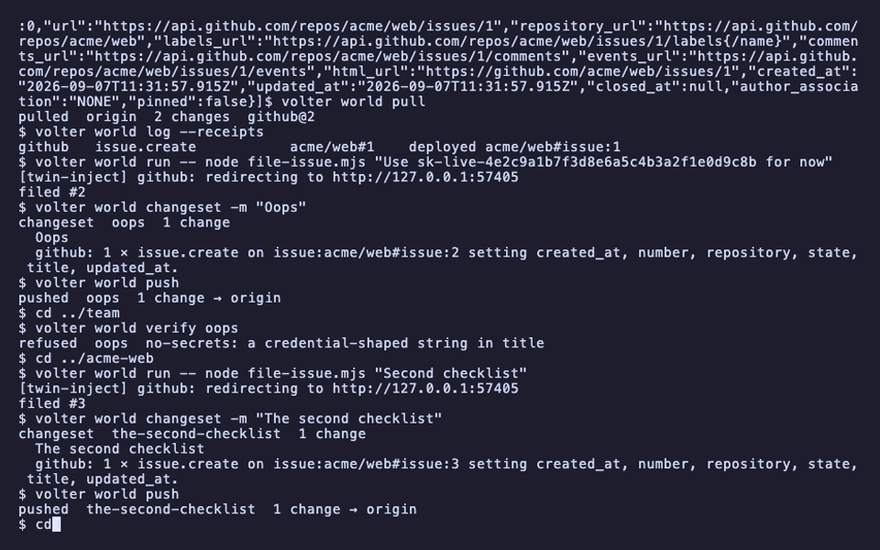
volter world run -- node file-issue.mjs "Second checklist"
volter world changeset -m "The second checklist"
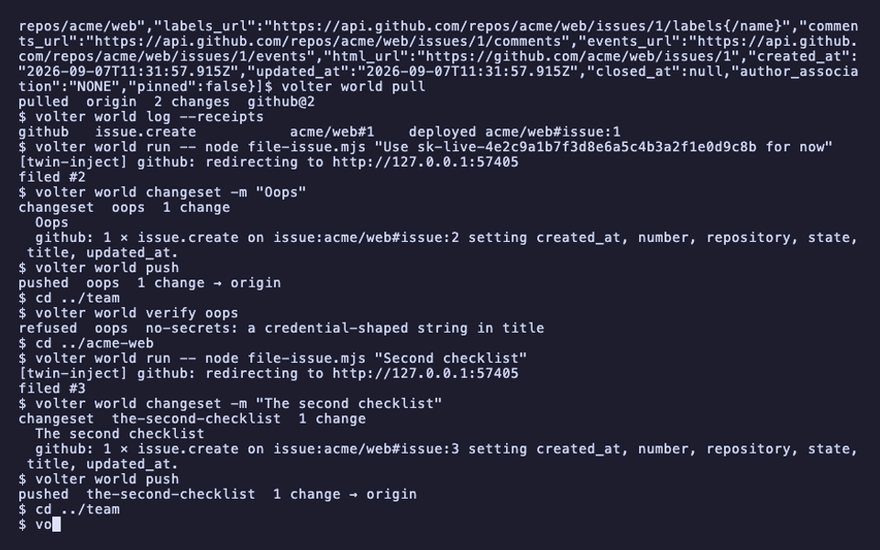
volter world push
cd ../team
volter world verify the-second-checklist
volter world approve the-second-checklist --as ada
kill %1
volter world deploy
volter world log --receipts
github issue.create acme/web#3 failed
cd ../reality
volter world serve --port 4400 &
cd ../team
for i in $(seq 1 60); do curl -s http://127.0.0.1:4400/-/ping >/dev/null && break; sleep 1; done; sleep 2
volter world deploy
volter world log --receipts
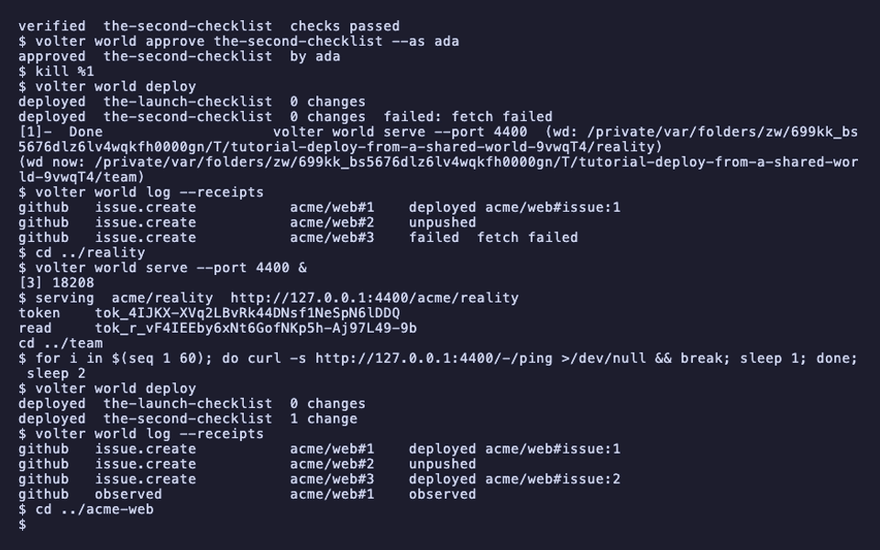
cd ../acme-web
deployed  the-second-checklist  1 change
github   issue.create   acme/web#3    deployed
Clean up
volter world down
kill $(jobs -p)
Playback
Each command above, as the recording shows it.
npm install
npm install -g @volter/world
npm install -D @volter/twin-github
mkdir ../reality && cd ../reality && volter world init --bare acme/reality --twins github
volter world serve --port 4400 &
mkdir ../team && cd ../team && volter world init --bare acme/team --twins github
volter world serve --port 4300 &
cd ../acme-web
volter world init
volter world up
volter remote add origin http://127.0.0.1:4300/acme/team --token "$(cat ../team/.volter/token)"
cd ../team
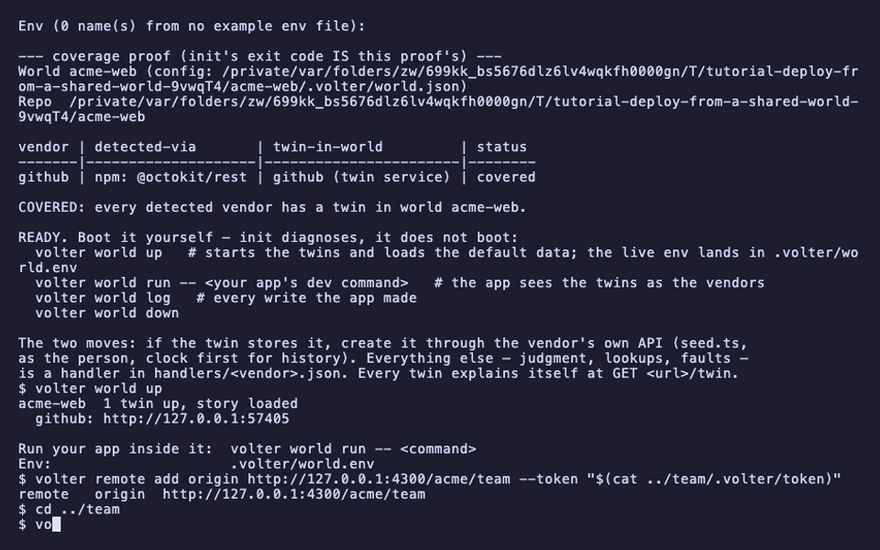
volter twin github root http://127.0.0.1:4400/acme/reality/github --scope repos/acme/web --deploy gated
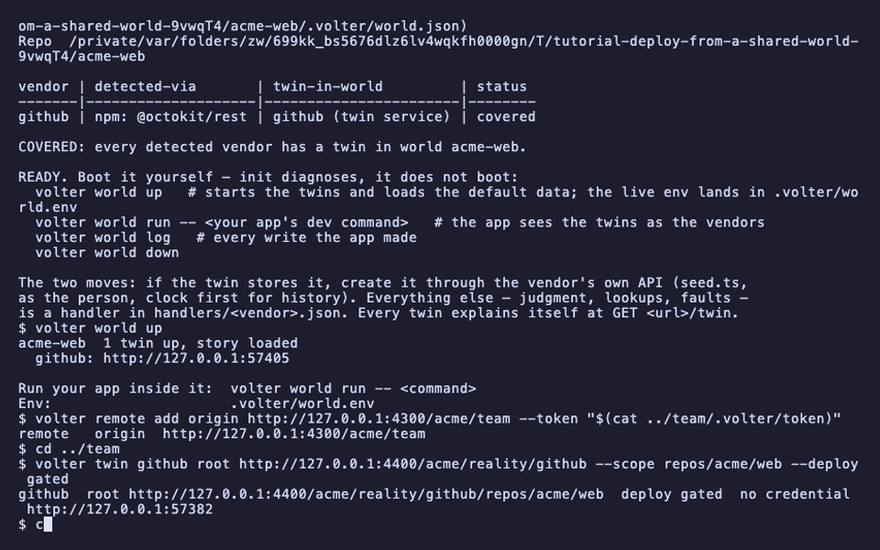
cat ../reality/.volter/token | volter twin github credential
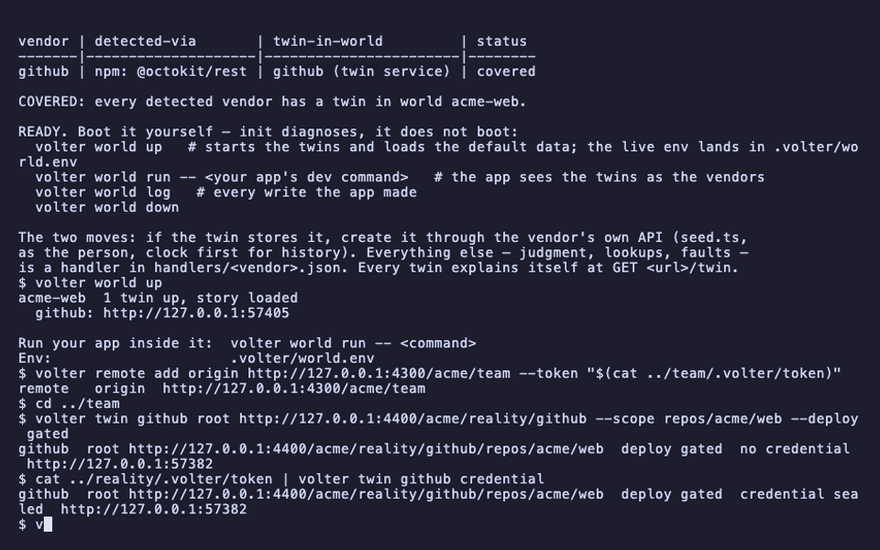
volter twin github
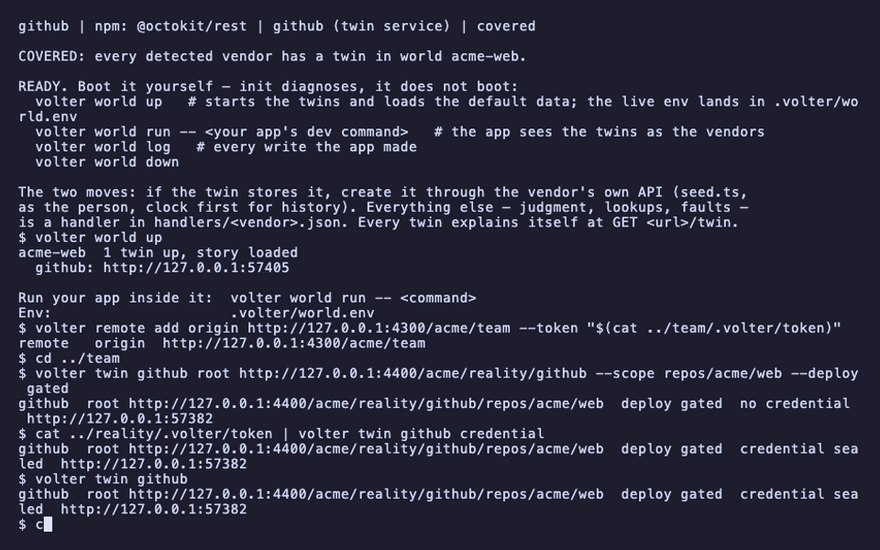
cd ../acme-web
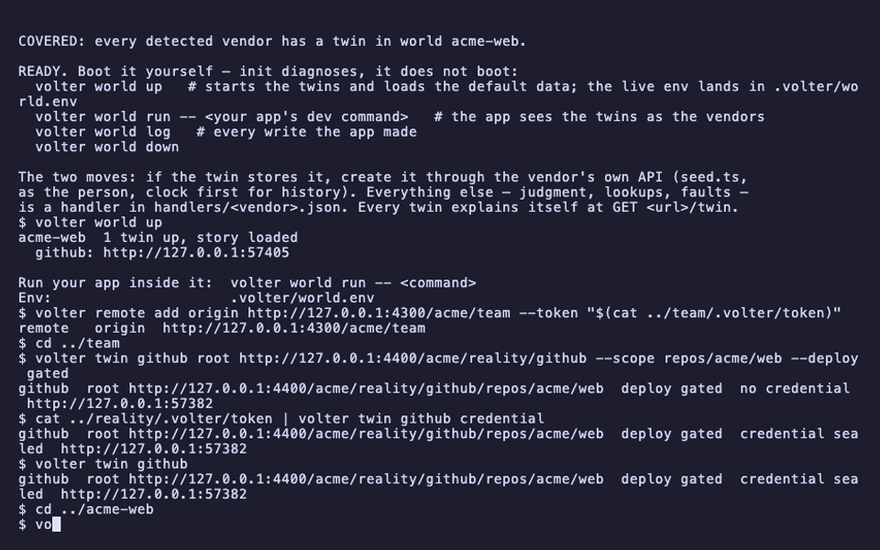
volter world run -- node file-issue.mjs
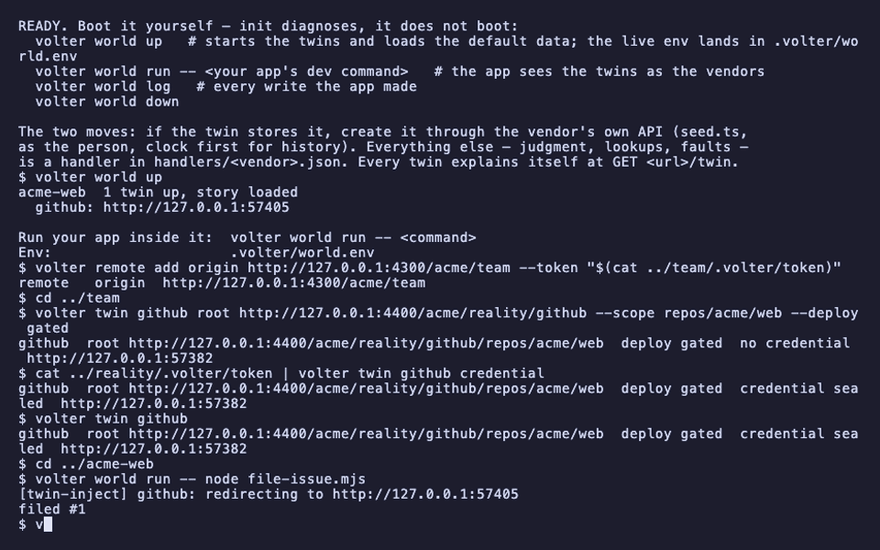
volter world changeset -m "The launch checklist"
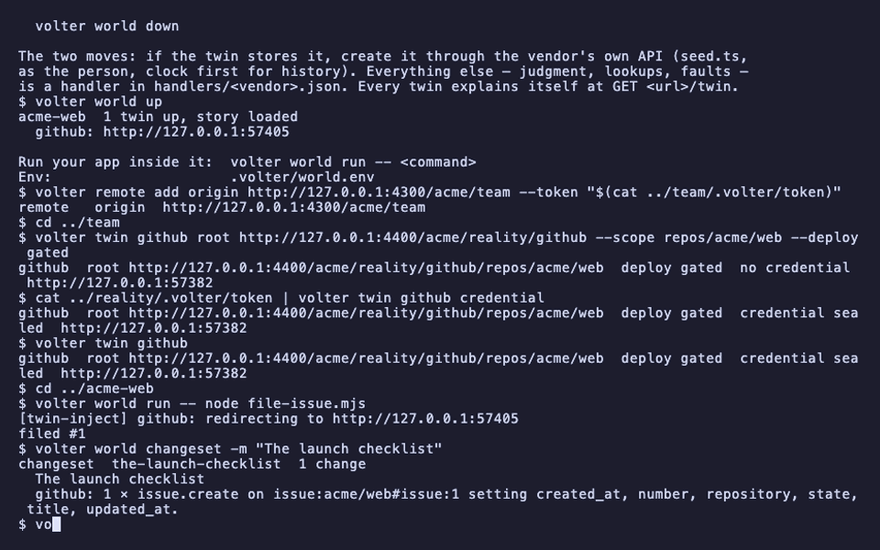
volter world push
volter world log --receipts
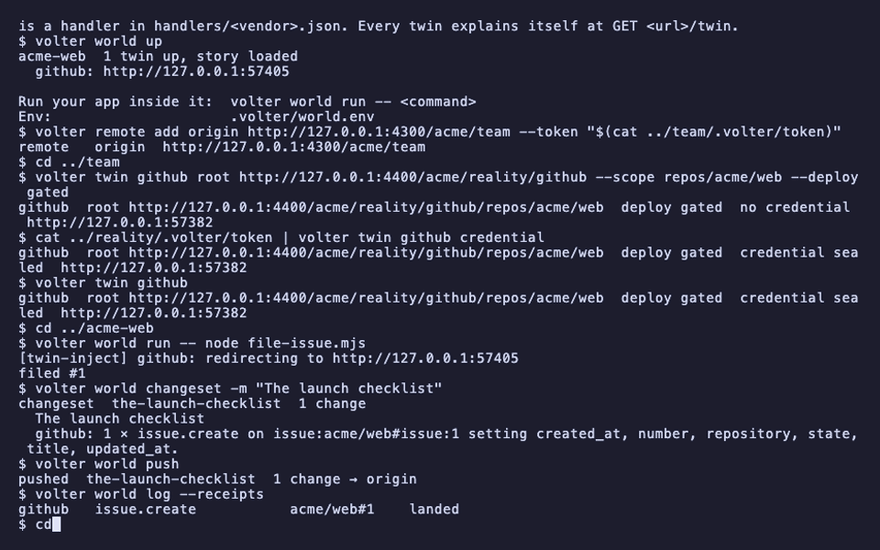
cd ../team
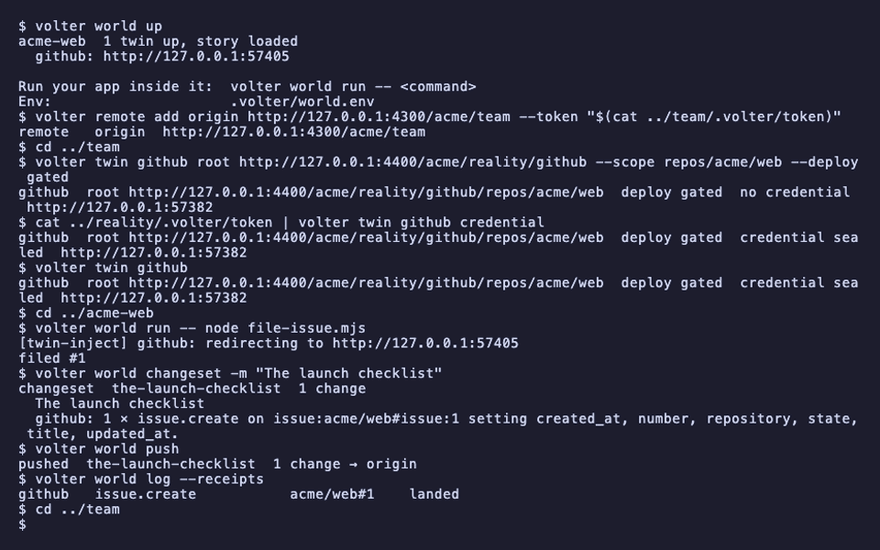
volter world verify the-launch-checklist
volter world approve the-launch-checklist --as ada
volter world deploy
volter world log --receipts
cd ../acme-web
curl -s http://127.0.0.1:4400/acme/reality/github/repos/acme/web/issues -H "authorization: Bearer $(cat ../reality/.volter/token)"
volter world pull
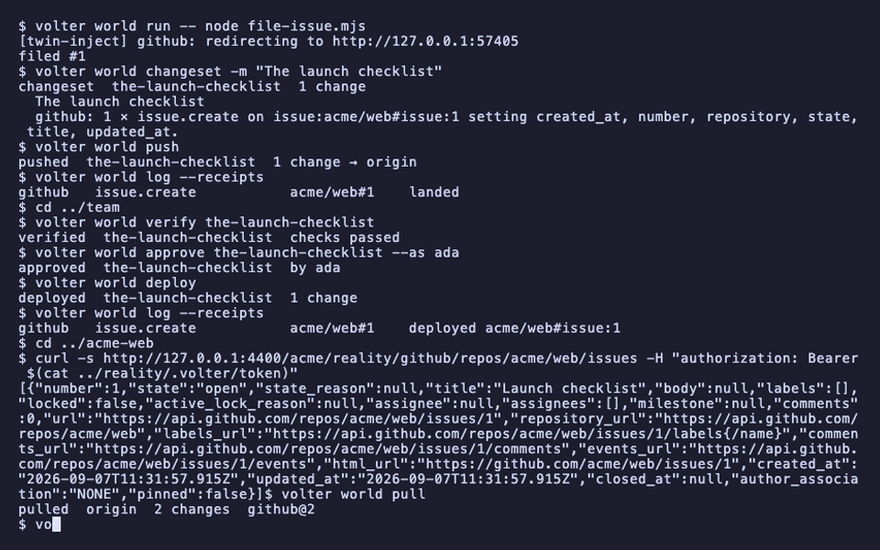
volter world log --receipts
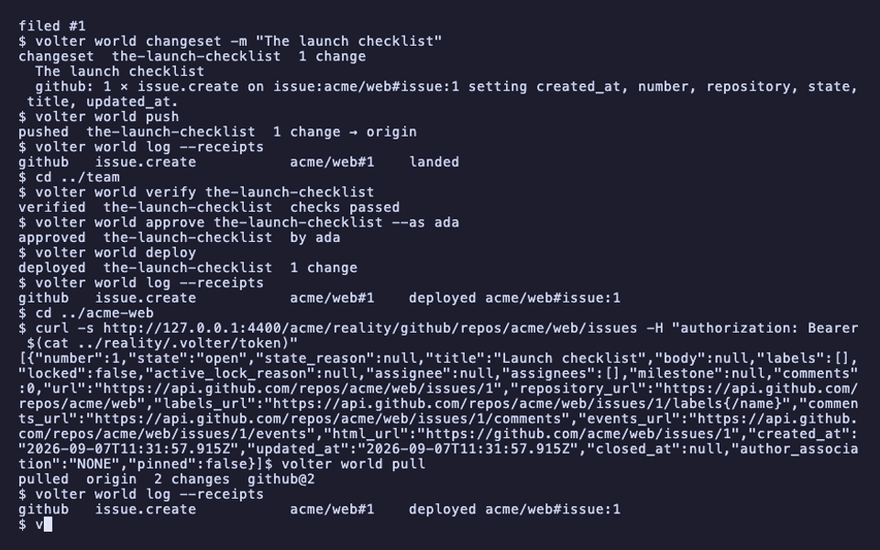
volter world run -- node file-issue.mjs "Use sk-live-4e2c9a1b7f3d8e6a5c4b3a2f1e0d9c8b for now"
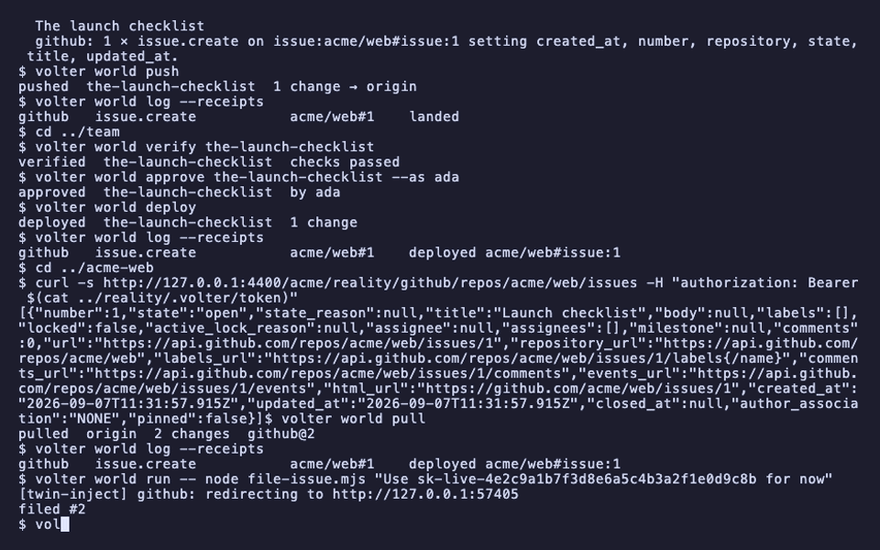
volter world changeset -m "Oops"
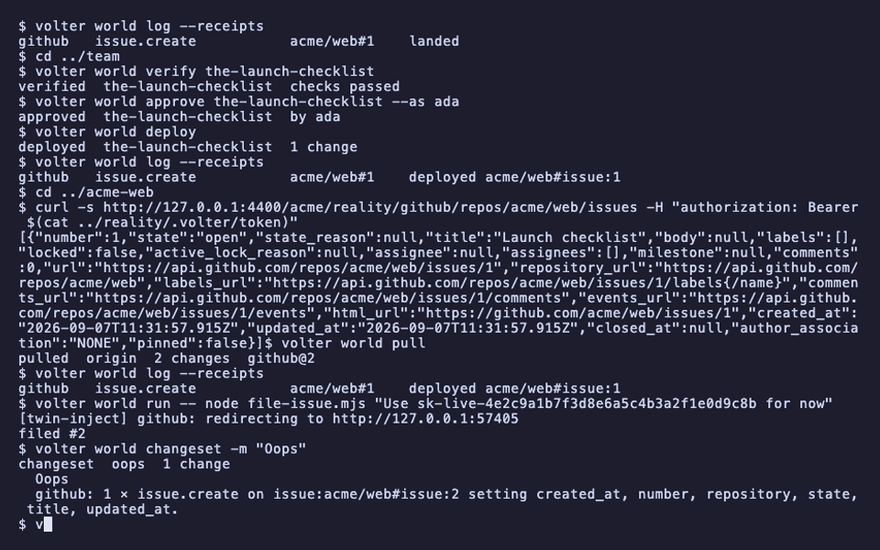
volter world push
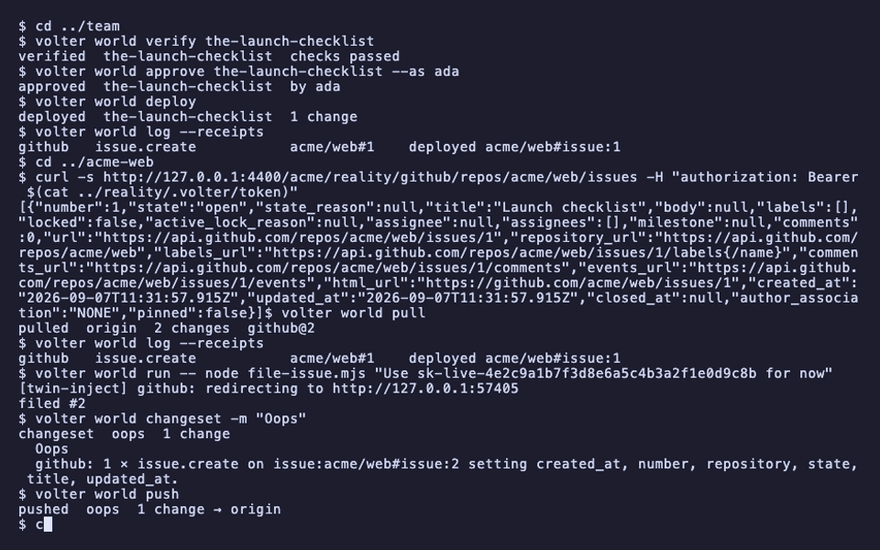
cd ../team
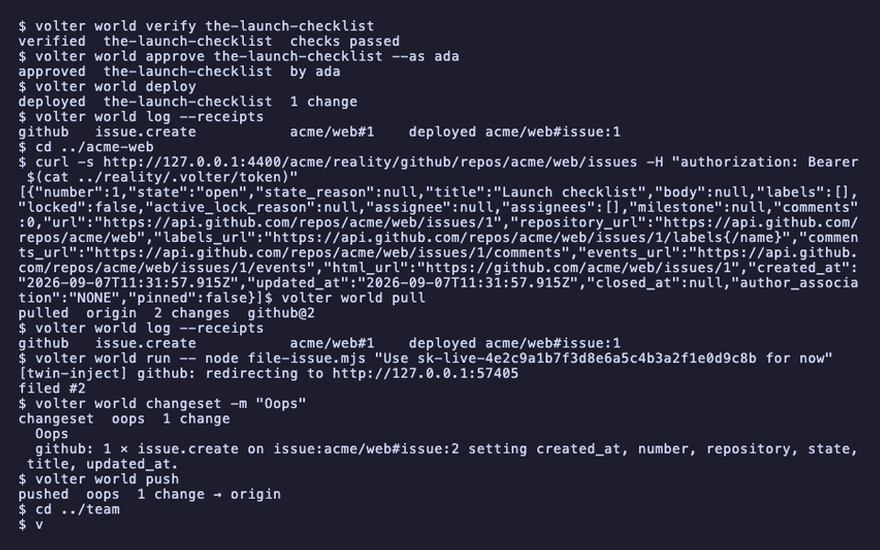
volter world verify oops
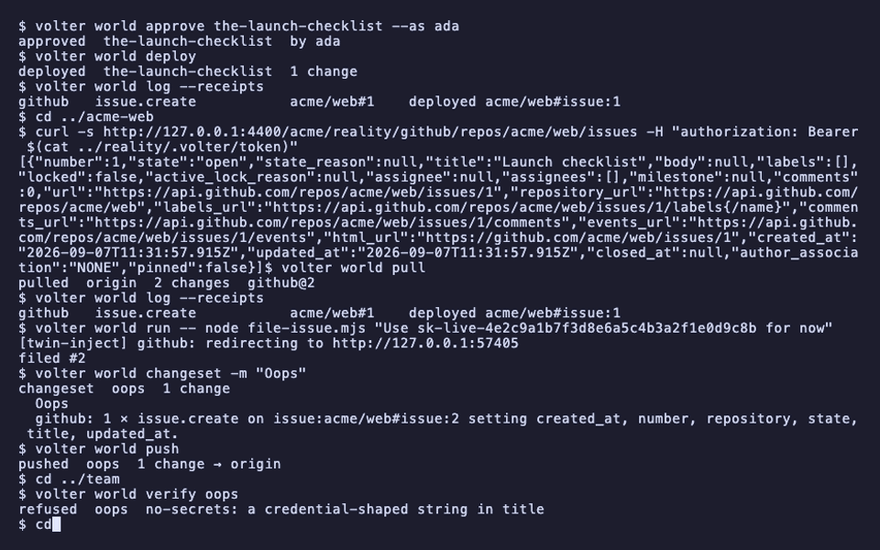
cd ../acme-web
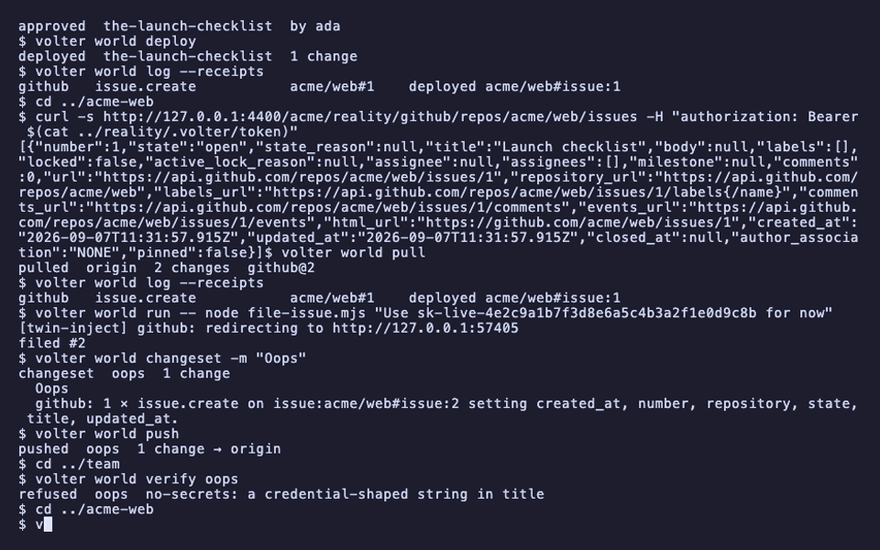
volter world run -- node file-issue.mjs "Second checklist"
volter world changeset -m "The second checklist"
volter world push
cd ../team
volter world verify the-second-checklist
volter world approve the-second-checklist --as ada
kill %1
volter world deploy
volter world log --receipts
cd ../reality
volter world serve --port 4400 &
cd ../team
for i in $(seq 1 60); do curl -s http://127.0.0.1:4400/-/ping >/dev/null && break; sleep 1; done; sleep 2
volter world deploy
volter world log --receipts
cd ../acme-web
volter world down
kill $(jobs -p)