Share a world
One world for the team: everyone clones from it, everyone pushes to it.
This page is executed as written by packages/cli/src/journeys/tutorials.test.ts; the recording
is made from the same run.

A shared world is a world with no app in front of it, served on a URL. It holds the team's history the way a bare repository does, and every developer's world points at it as origin. This page runs one on your machine; put it behind TLS on a hostname and nothing else changes.
The app
{ "name": "acme-web", "private": true, "type": "module", "dependencies": { "@octokit/rest": "^21" } }
import { Octokit } from '@octokit/rest';
const octokit = new Octokit({ auth: process.env.GITHUB_TOKEN });
const { data: issue } = await octokit.issues.create({ owner: 'acme', repo: 'web', title: process.argv[2] ?? 'Launch checklist' });
console.log(`filed #${issue.number}`);
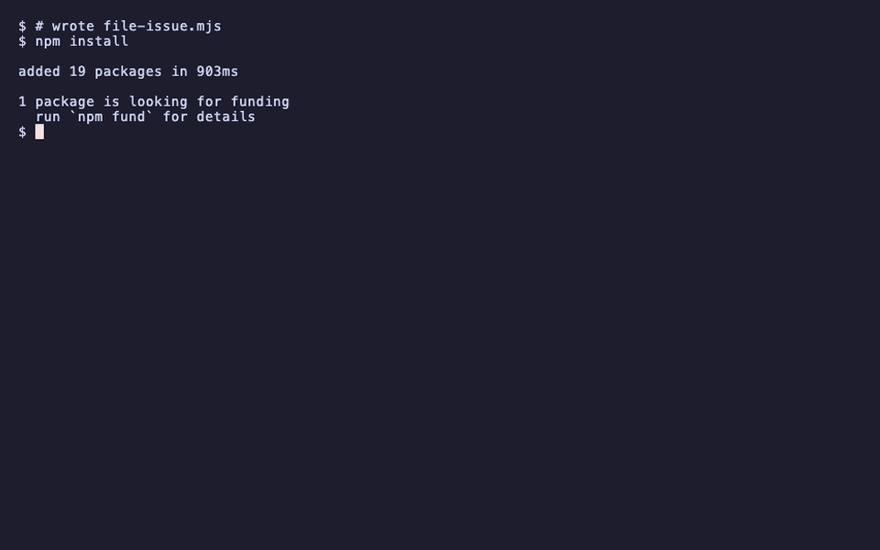
npm install
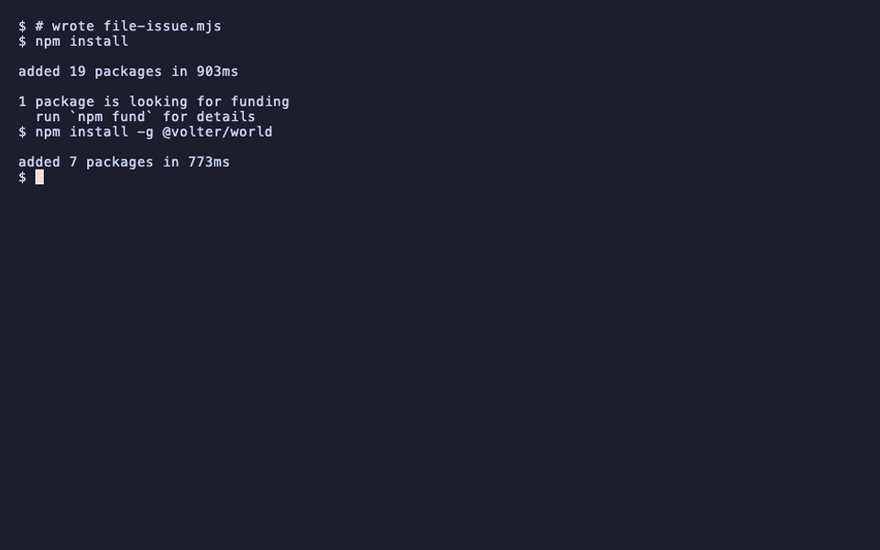
npm install -g @volter/world
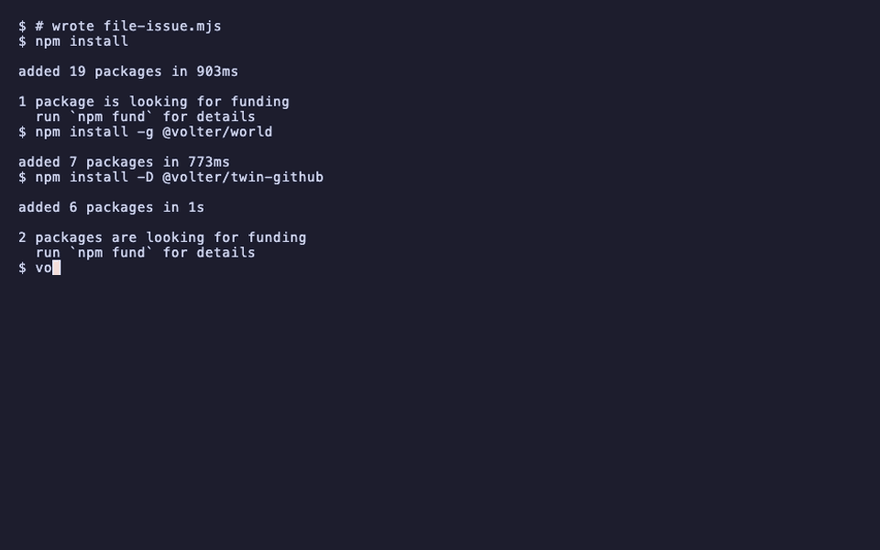
npm install -D @volter/twin-github
volter world init
volter world up
acme-web 1 twin up, story loaded
The shared world
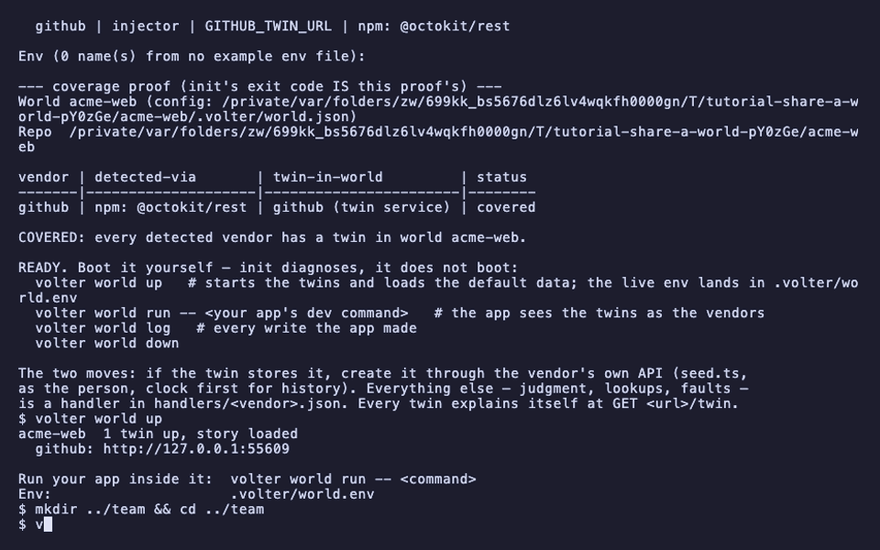
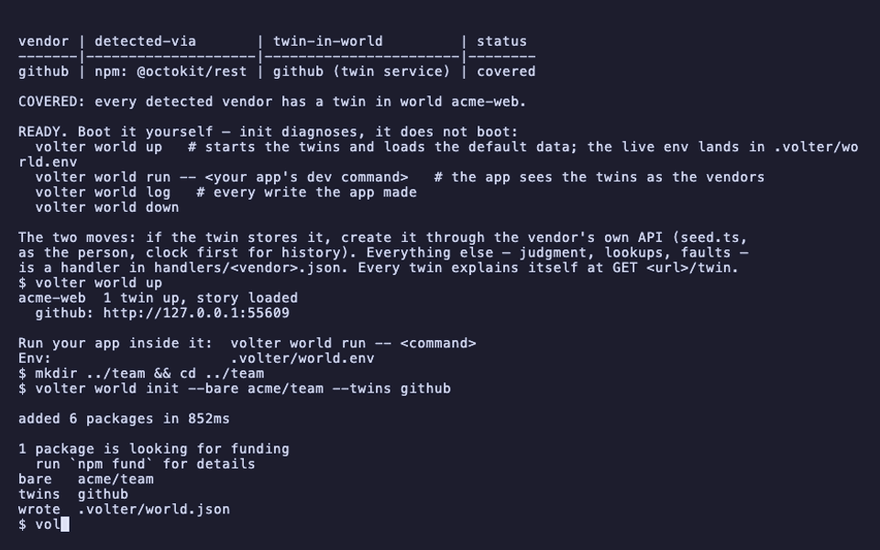
init --bare makes a world with no app: a name, a branch tree per twin, and nothing else.
serve puts it on a port and prints the token that opens it. The token is a credential for the
world, never a vendor key; keep it where you keep any team secret.
mkdir ../team && cd ../team
volter world init --bare acme/team --twins github
volter world serve --port 4300 &
serving  acme/team  http://127.0.0.1:4300/acme/team
token    tok_
Back in the app:
cd ../acme-web
Point your world at it, and push
remote add records the URL and the token, once. push sends the entries your world has that
the shared world does not, as a changeset, and moves your base past them.
volter remote add origin http://127.0.0.1:4300/acme/team --token "$(cat ../team/.volter/token)"
volter world run -- node file-issue.mjs
volter world changeset -m "The launch checklist"
volter world push
filed #1
changeset  the-launch-checklist  1 change
pushed  the-launch-checklist  1 change → origin
A teammate clones
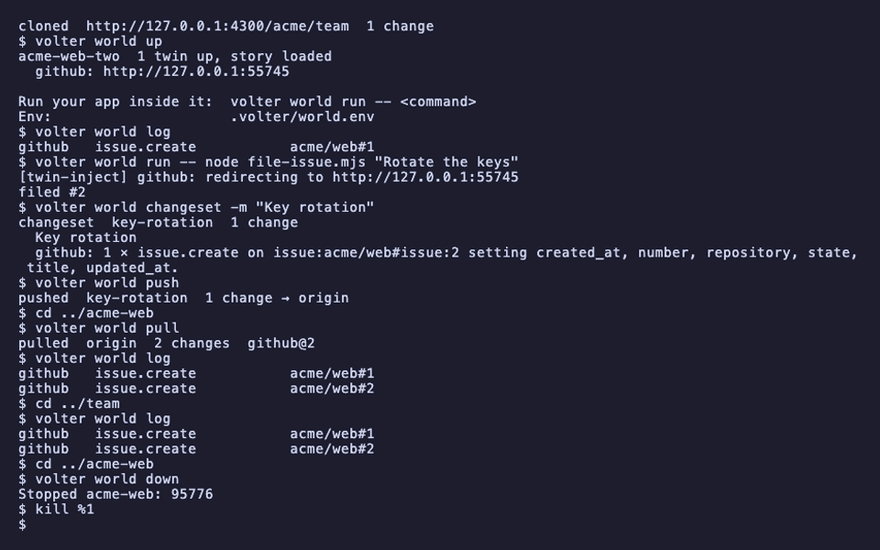
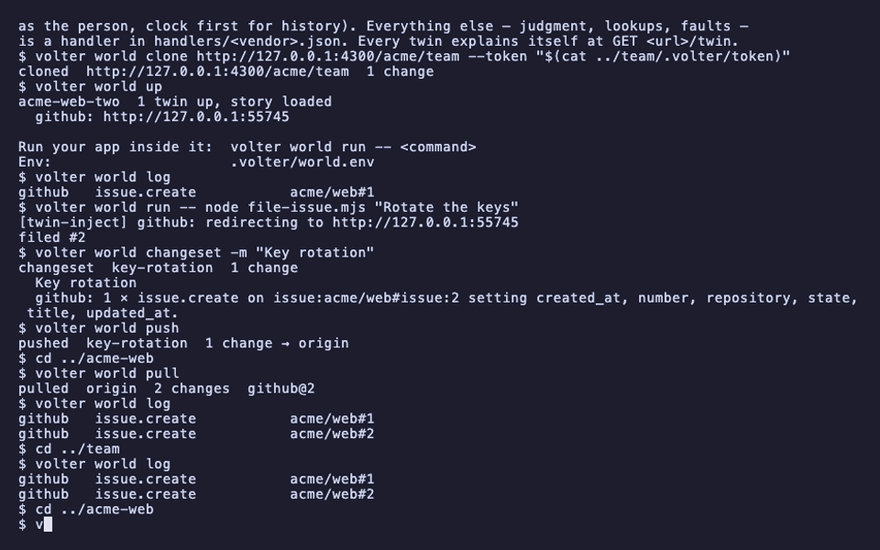
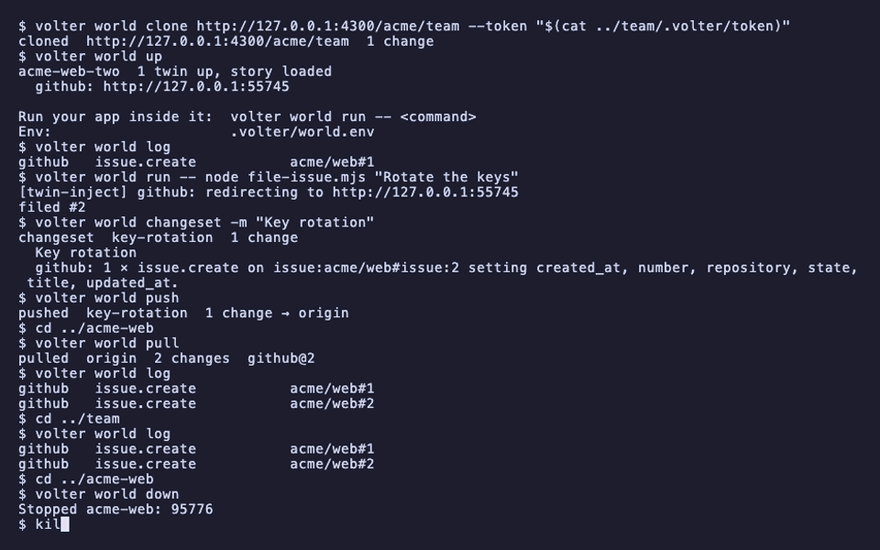
A second app directory stands in for a teammate's laptop. clone records the origin and brings
its whole history in, so the teammate's world holds the issue you filed before they run anything.
mkdir ../acme-web-two && cp package.json file-issue.mjs ../acme-web-two/ && cd ../acme-web-two
npm install
volter world init
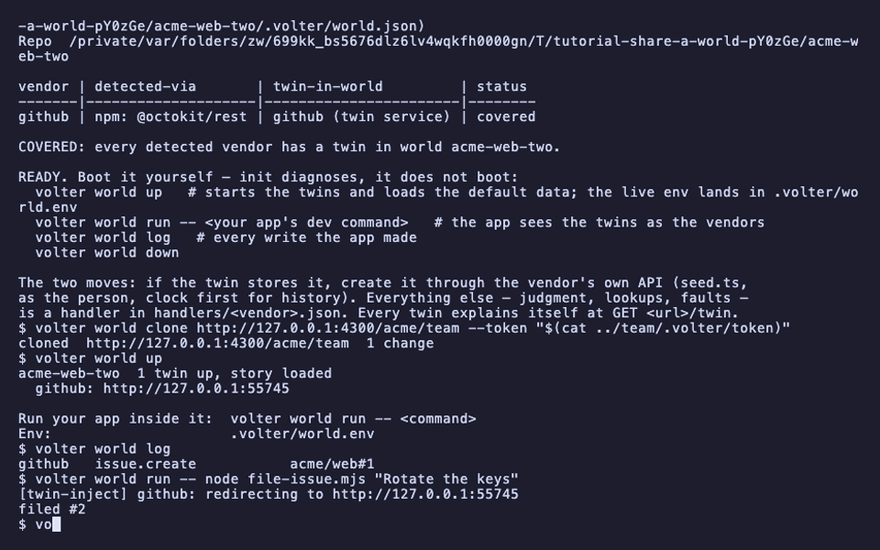
volter world clone http://127.0.0.1:4300/acme/team --token "$(cat ../team/.volter/token)"
volter world up
volter world log
cloned  http://127.0.0.1:4300/acme/team  1 change
github   issue.create   acme/web#1
They push too, and you pull:
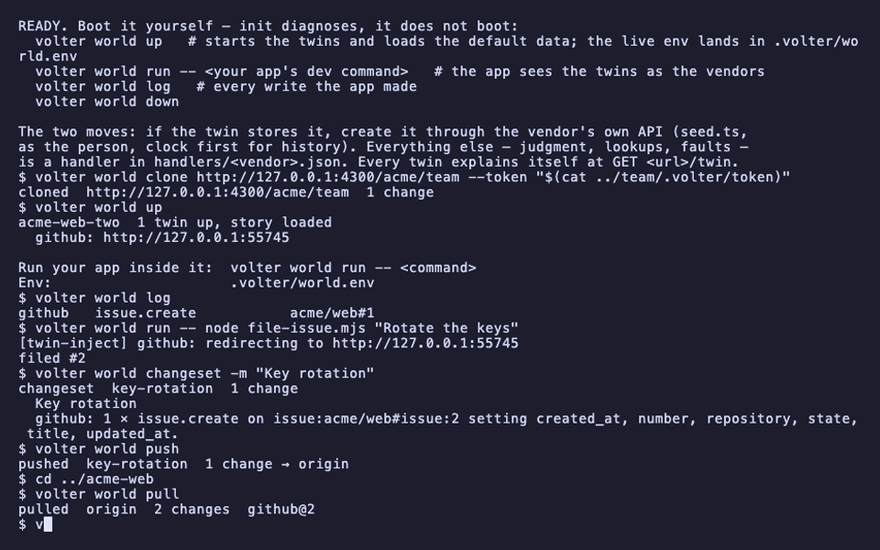
volter world run -- node file-issue.mjs "Rotate the keys"
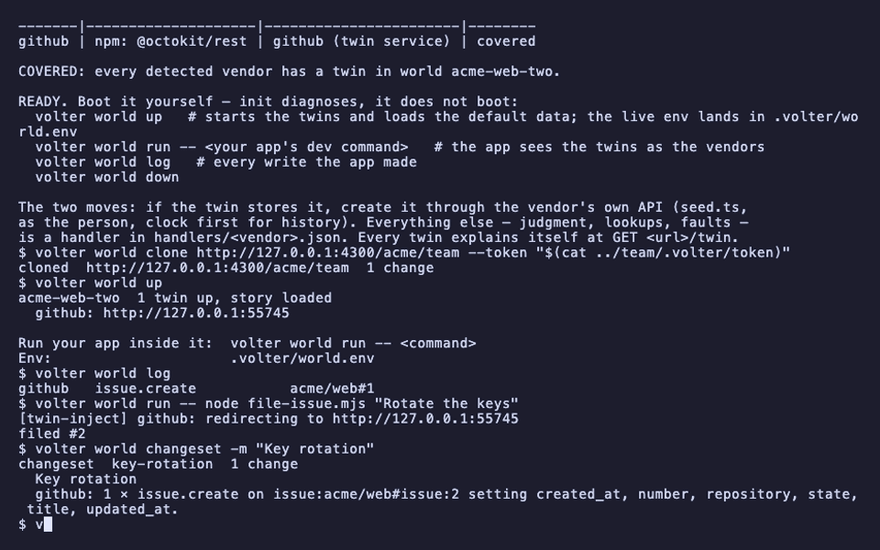
volter world changeset -m "Key rotation"
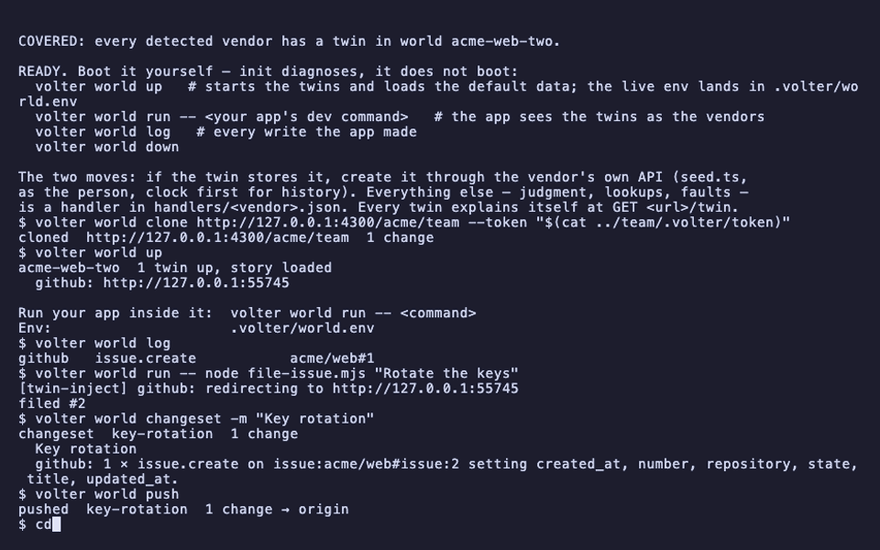
volter world push
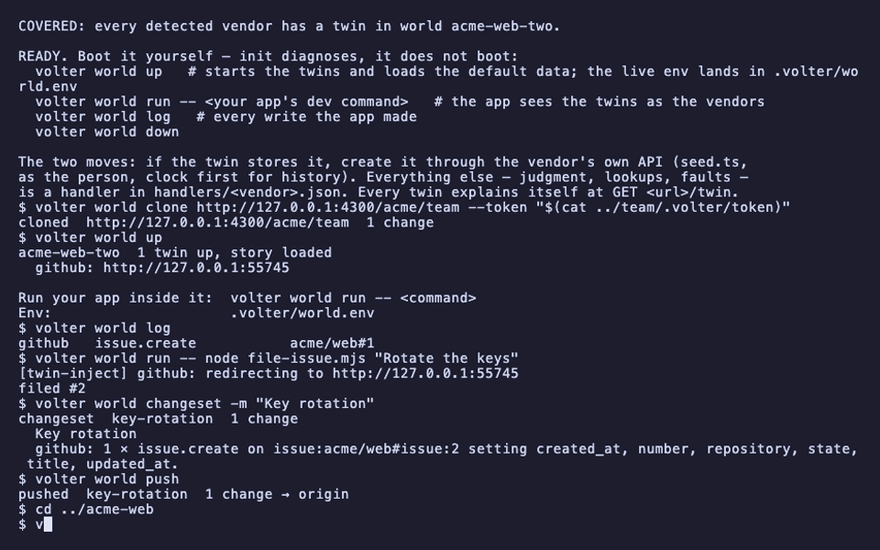
cd ../acme-web
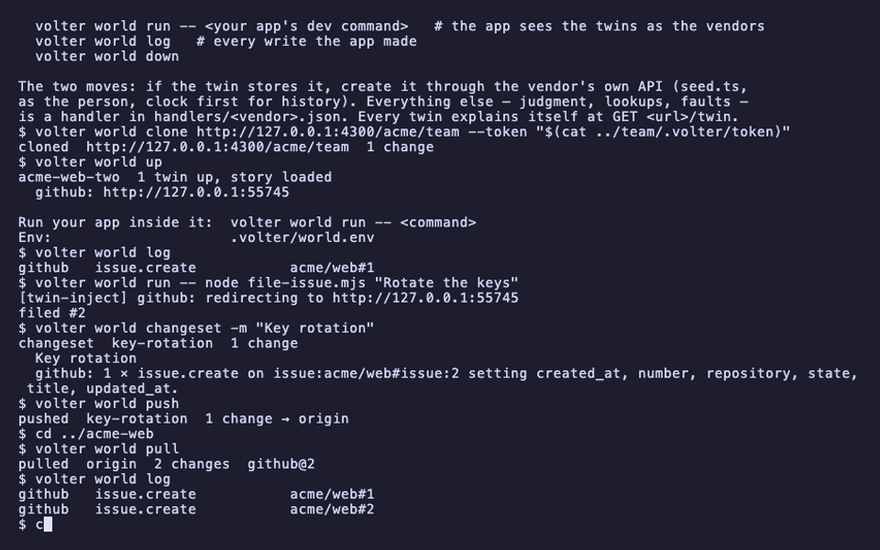
volter world pull
volter world log
filed #2
pushed  key-rotation  1 change → origin
pulled  origin  2 changes
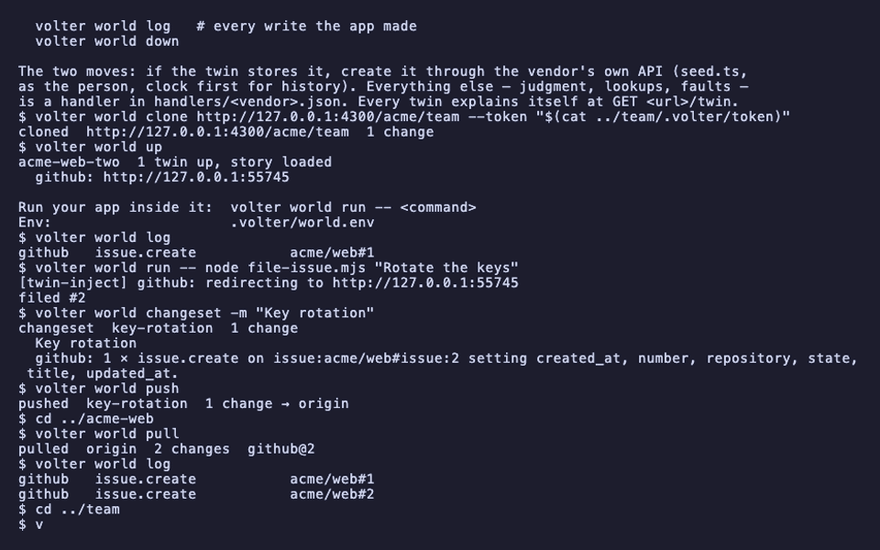
github   issue.create   acme/web#1
github   issue.create   acme/web#2
pull brings in what origin has that you do not and moves your base past it. Your own unpushed
entries stay where they are, on top of the moved base.
The shared world's own log
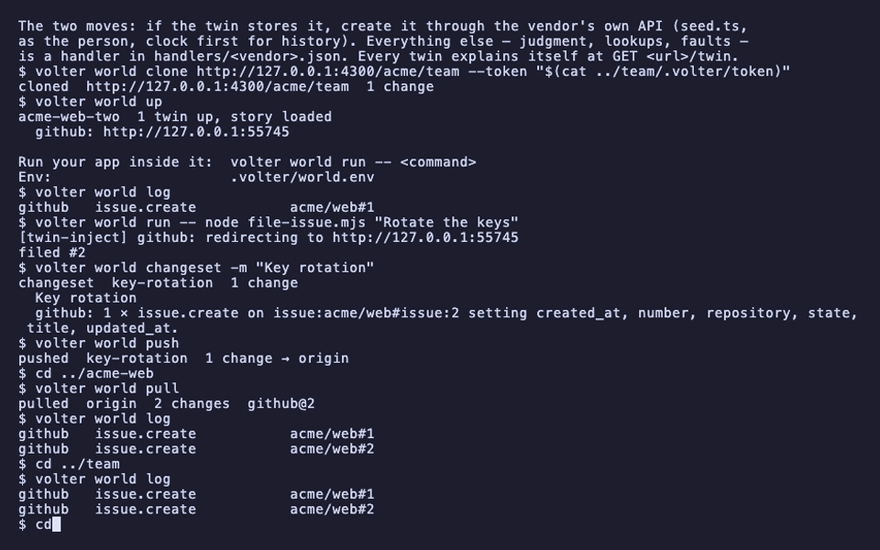
The shared world is a world. Its log is the team's history, and it answers the same verbs.
cd ../team
volter world log
cd ../acme-web
github   issue.create   acme/web#1
github   issue.create   acme/web#2
Clean up
volter world down
kill %1
When the shared world should reach the vendor
A shared world is also where a twin's root can be set to the vendor, so that entries landing there are deployed with a credential no laptop holds. That is deploy from a shared world.
Playback
Each command above, as the recording shows it.
npm install
npm install -g @volter/world
npm install -D @volter/twin-github
volter world init
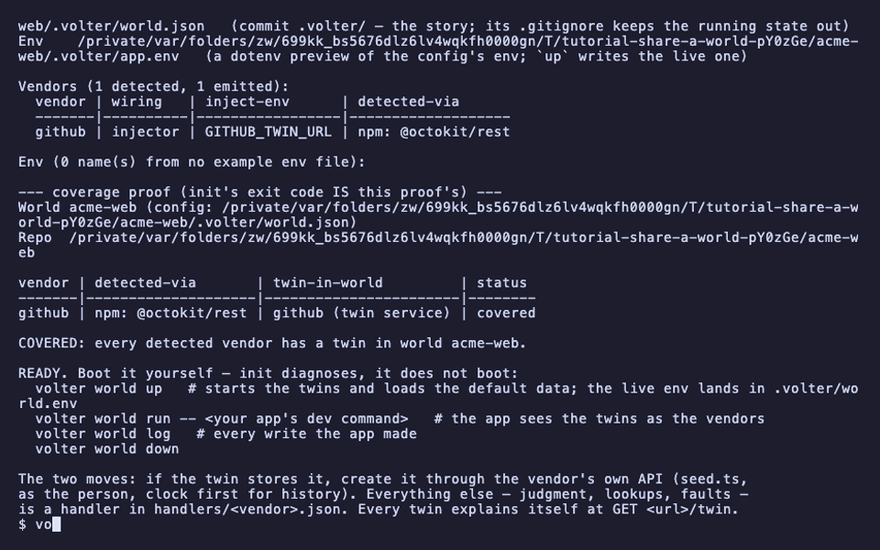
volter world up
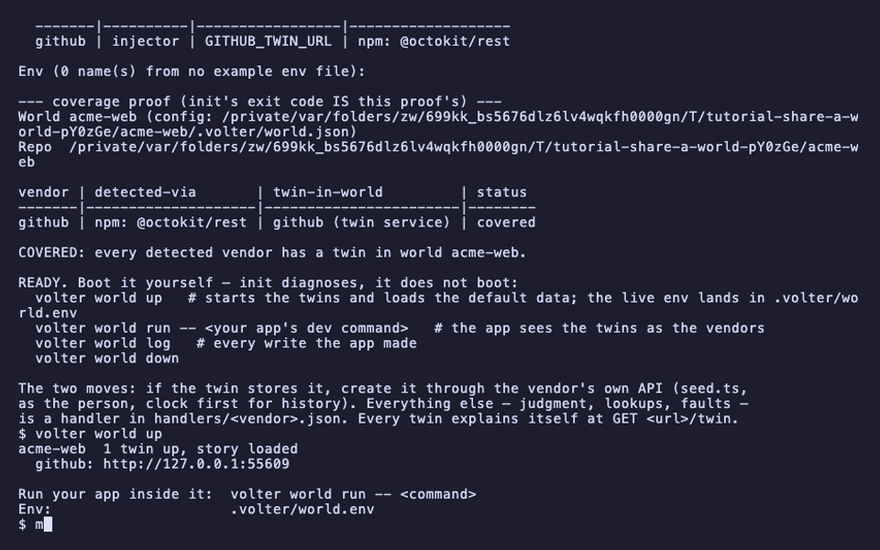
mkdir ../team && cd ../team
volter world init --bare acme/team --twins github
volter world serve --port 4300 &
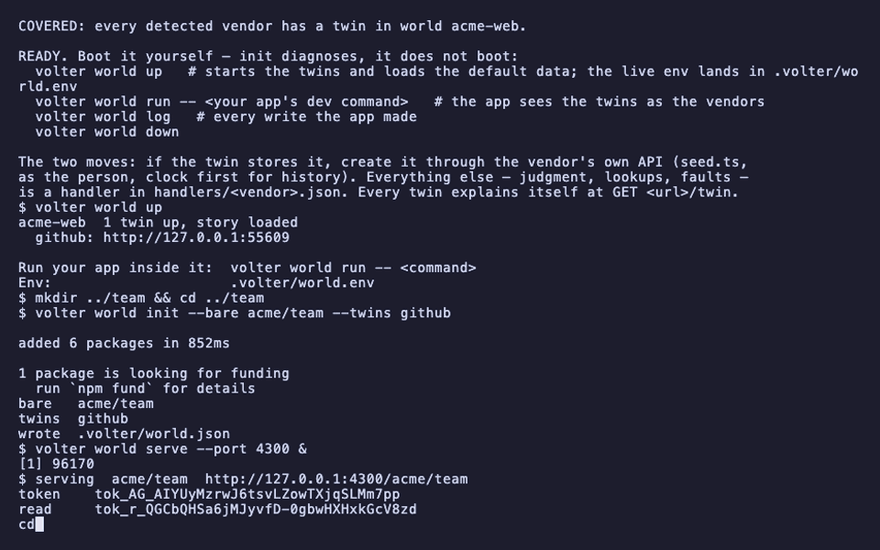
cd ../acme-web
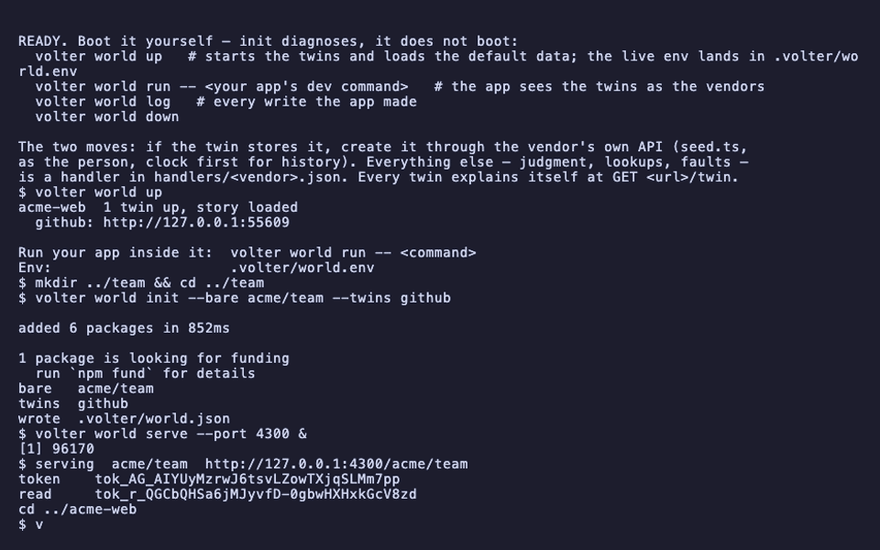
volter remote add origin http://127.0.0.1:4300/acme/team --token "$(cat ../team/.volter/token)"
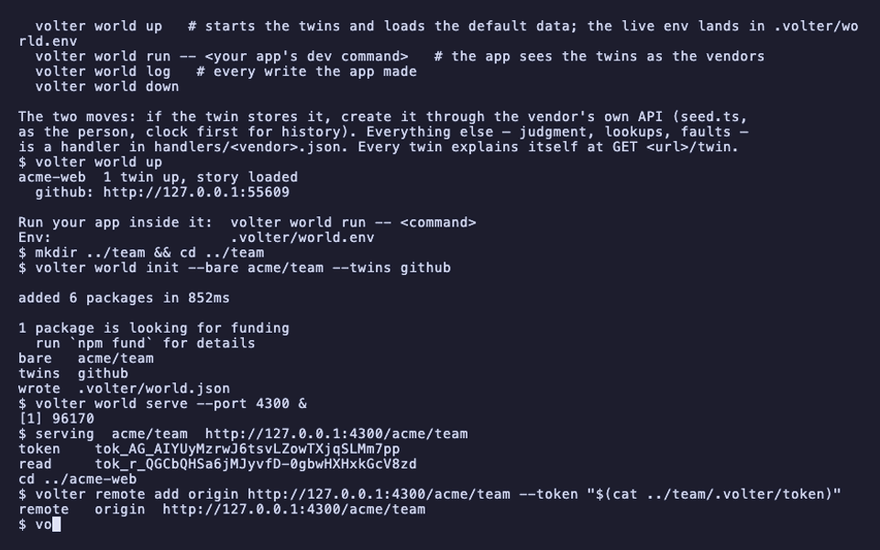
volter world run -- node file-issue.mjs
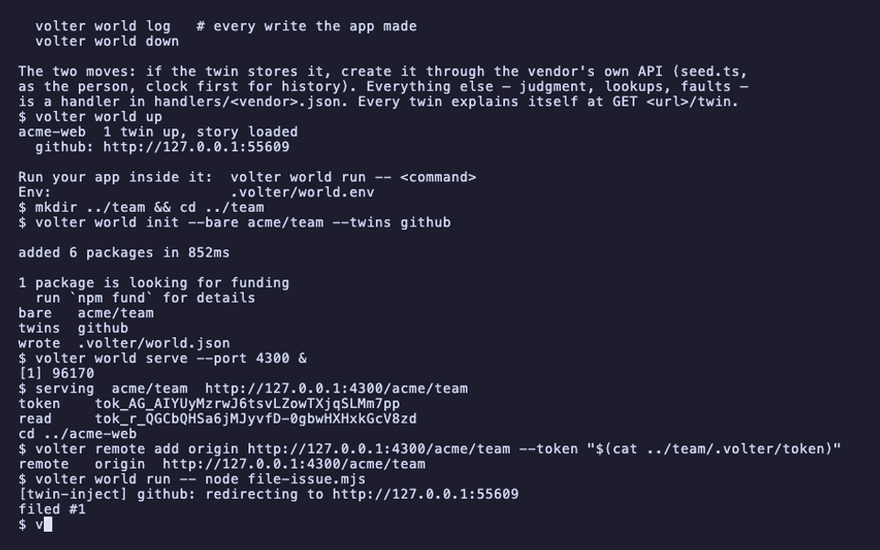
volter world changeset -m "The launch checklist"
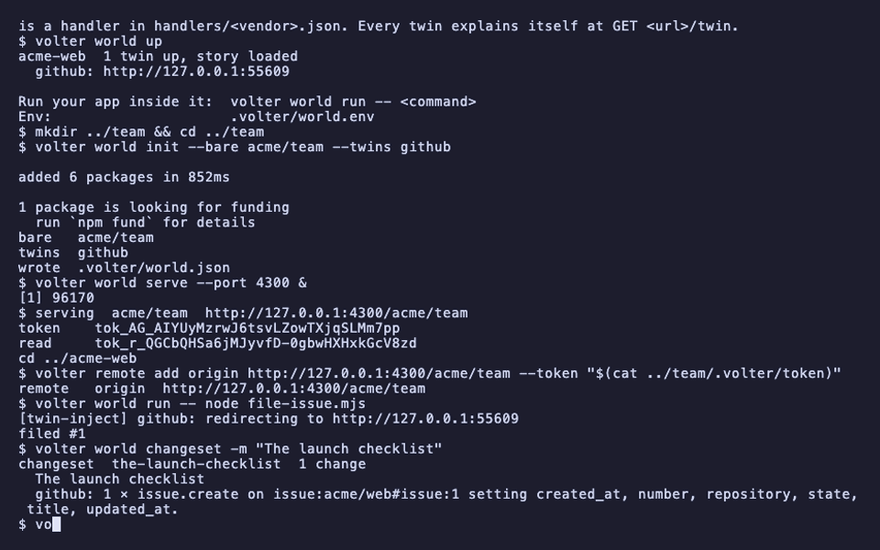
volter world push
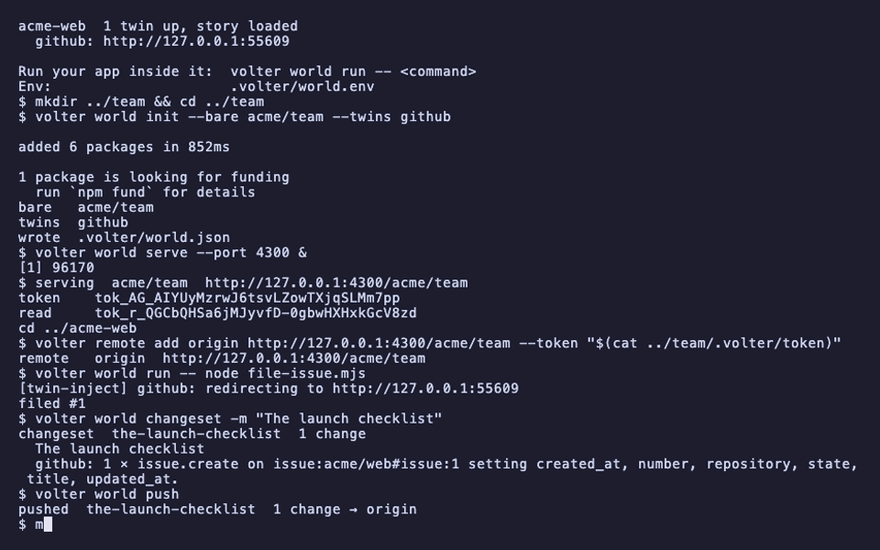
mkdir ../acme-web-two && cp package.json file-issue.mjs ../acme-web-two/ && cd ../acme-web-two
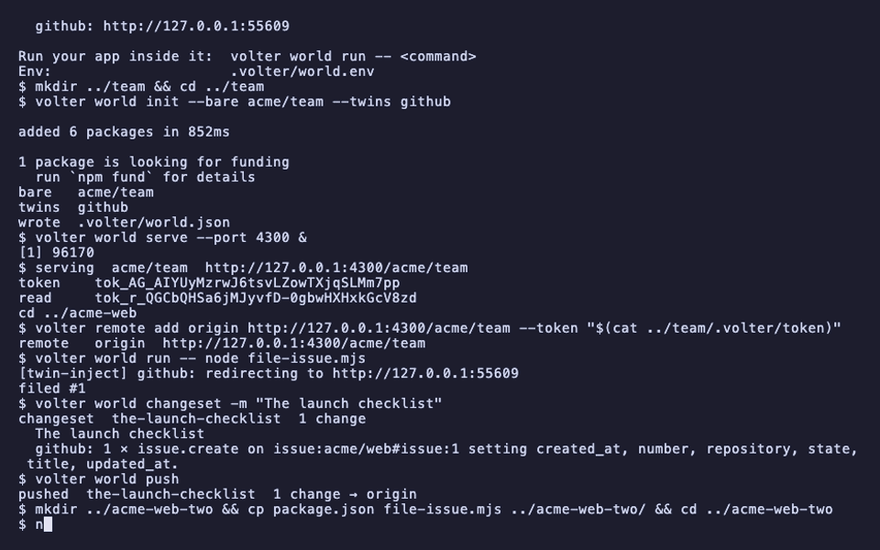
npm install
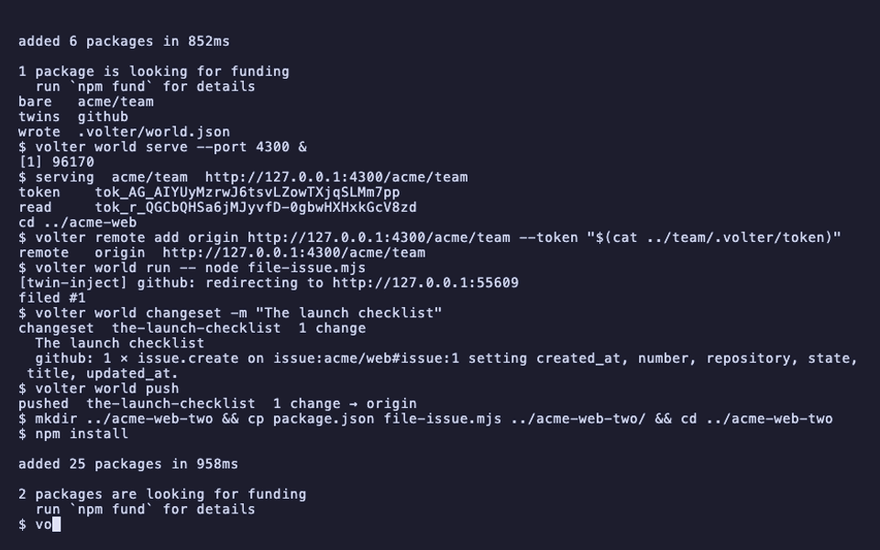
volter world init
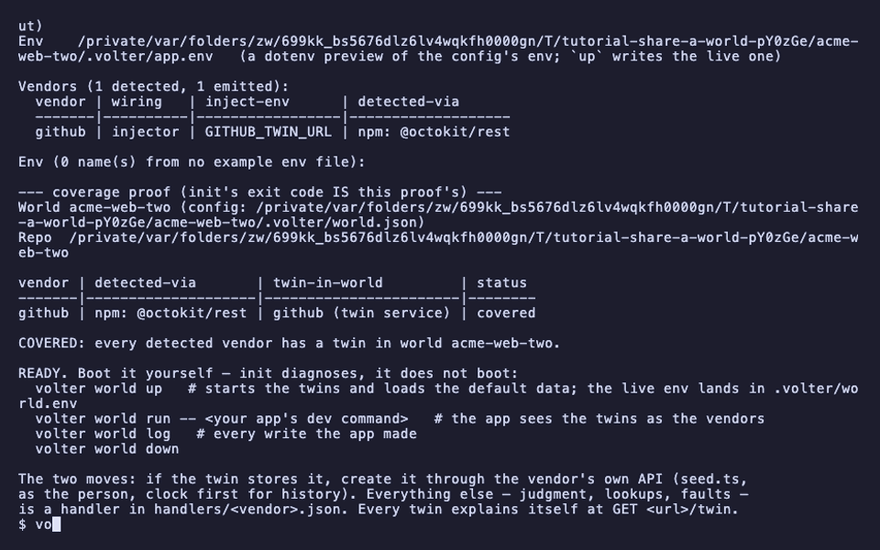
volter world clone http://127.0.0.1:4300/acme/team --token "$(cat ../team/.volter/token)"
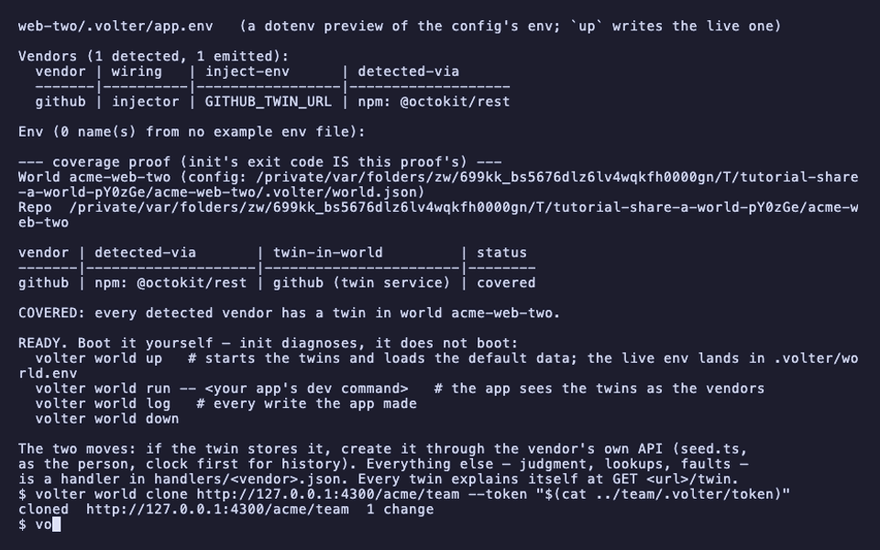
volter world up
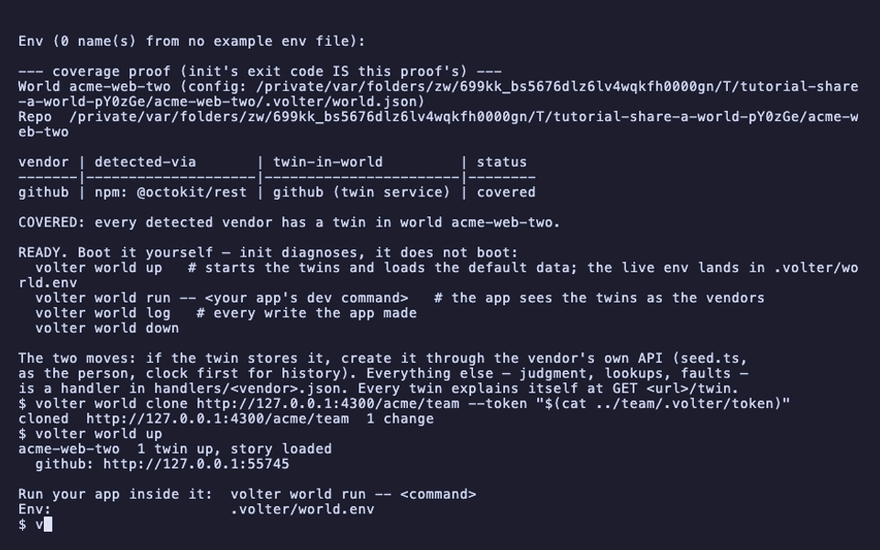
volter world log
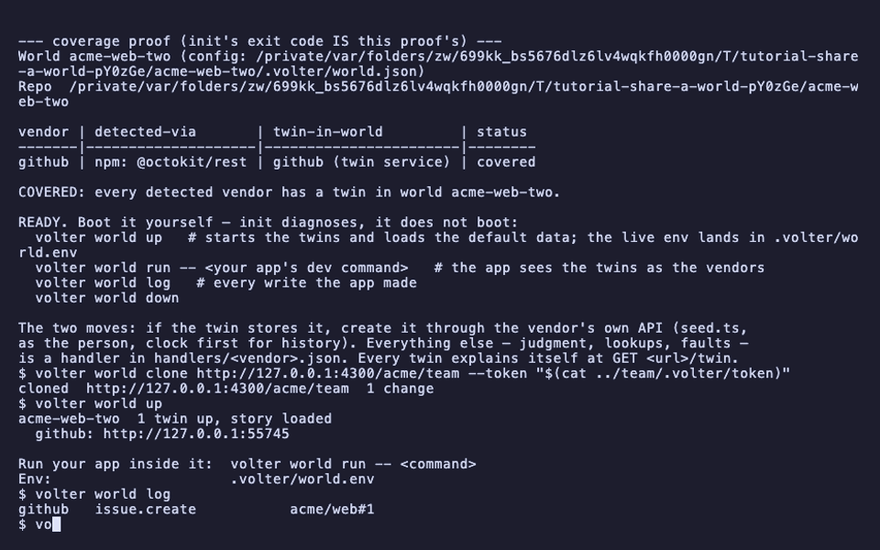
volter world run -- node file-issue.mjs "Rotate the keys"
volter world changeset -m "Key rotation"
volter world push
cd ../acme-web
volter world pull
volter world log
cd ../team
volter world log
cd ../acme-web
volter world down
kill %1